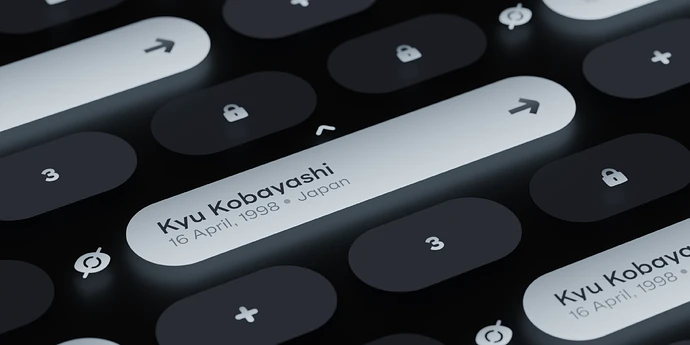
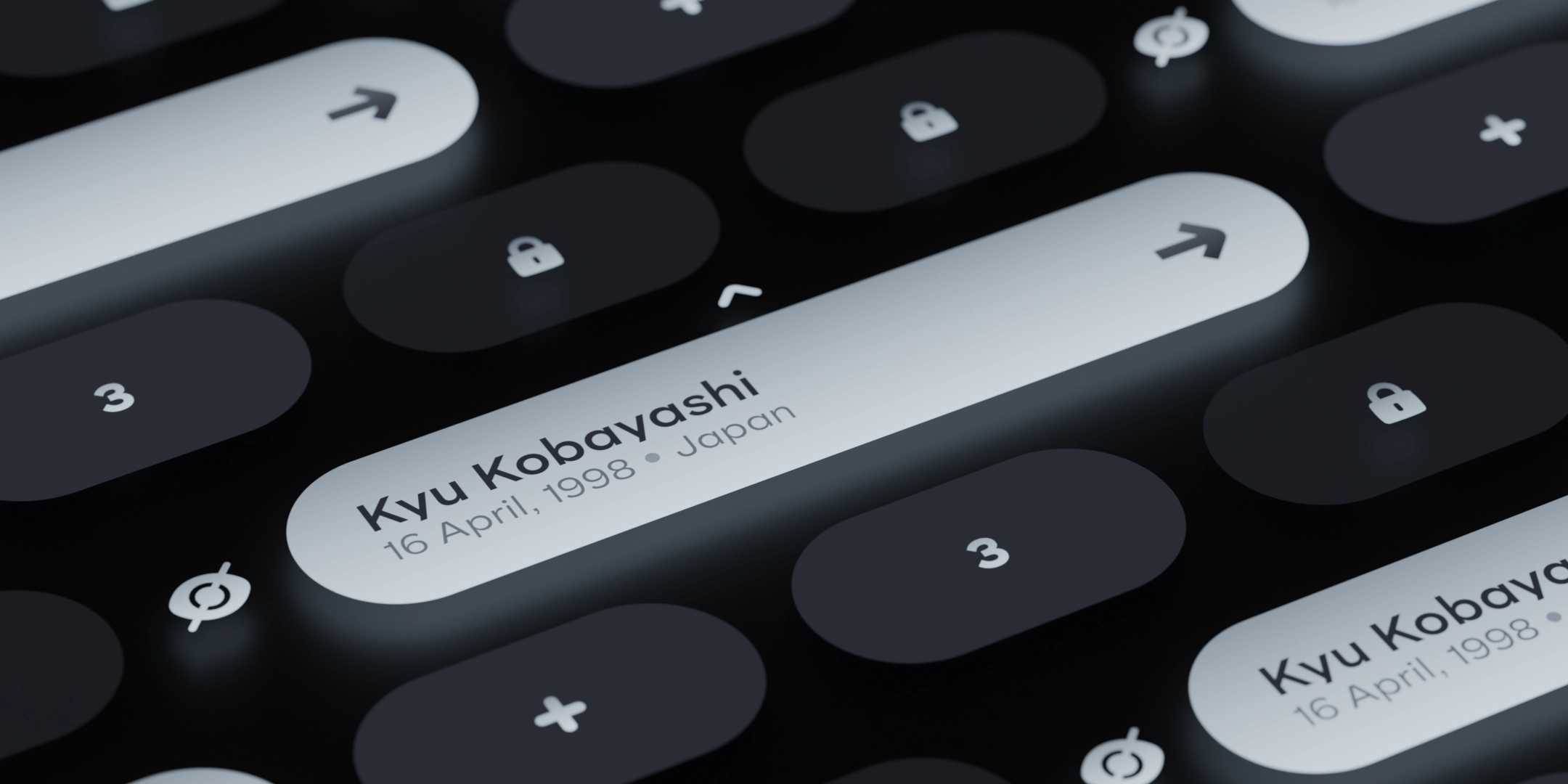
Welcome to the Next Generation of Ayccoe’s Multicharacter. A completely redesigned and rewritten UI, now built with Vue 3, offering more customization options, enhanced performance, and exciting new features you’ll love. Fully compatible with QBCore, Qbox, and ESX, this script ensures seamless integration across all major frameworks.
Redesigned UI
- Our UI has been fully rewritten from the ground up while maintaining the same aesthetic. It’s now cleaner, more customizable, and packed with new features.
Custom Animations
- Includes 3 unique sitting animations for multicharacter characters.
- Advanced animation system now supports prop attachments, giving you more flexibility in character actions.
Animated Intro Camera
- The multicharacter intro is now fully animated.
- Customizable camera coordinates and transition times let you create the perfect entry sequence.
Advanced Automatic Camera System
- Set animation data and coordinates to control how characters appear on screen.
- Automatic camera system handles movement and positioning.
- Manual camera control is also available for custom setups.
More Character Information
- Character slots are now expandable to show:
- Play time
- Job
- Cash & Bank balance
- Phone number & Citizen ID (easily copyable with the new copy button)
Character Management Buttons
- Edit and Delete buttons available on the UI.
- Both buttons can be disabled via the configuration file.
- Customize the edit button to control what players can edit.
- Use commands to manage temporary permissions:
- /tempedit [duration_seconds]
- /revoketempedit
Redesigned Character Form
- Customize name length limits and banned words.
- Define genders, countries, age ranges, and personas.
- Personas are stored in the database for your custom scripts or future scripts.
Custom Loading Screen
- Default black loading screen replaced with a custom dancing logo.
- Options:
- SVG logo → smooth fill animation
- PNG logo → zoom effect
- Loading Text → expanding loading text
UI Customization
- Change colors and character slot shapes:
- Shapes: “round”, “smooth”, “sharp”
- Aspects: “wide”, “uniform”
Smooth Wake-Up Animation
- Enjoy a smooth wake-up animation after selecting your character, while entering the server.
Customizable Character Slots
- Set the number of character slots on screen.
- Manage unlocked slots per player with commands:
- /setslots [amount]
- /removeslots
- Enable or disable access to specific slots:
- /disablecharacter [slot]
- /enablecharacter [slot]
Locked Character Models
- Custom peds are used for locked/empty slots.
Hide Button
- Use the UI hide button for clean screenshots.
Fully Translatable
- All script labels are fully translatable, making localization easy.
Full Support
- This script is fully compatible with QBCore, Qbox, and ESX, ensuring smooth integration across all major frameworks.
Purchase Here:
Source Available
Escrow
Documents
Support is available via our Discord
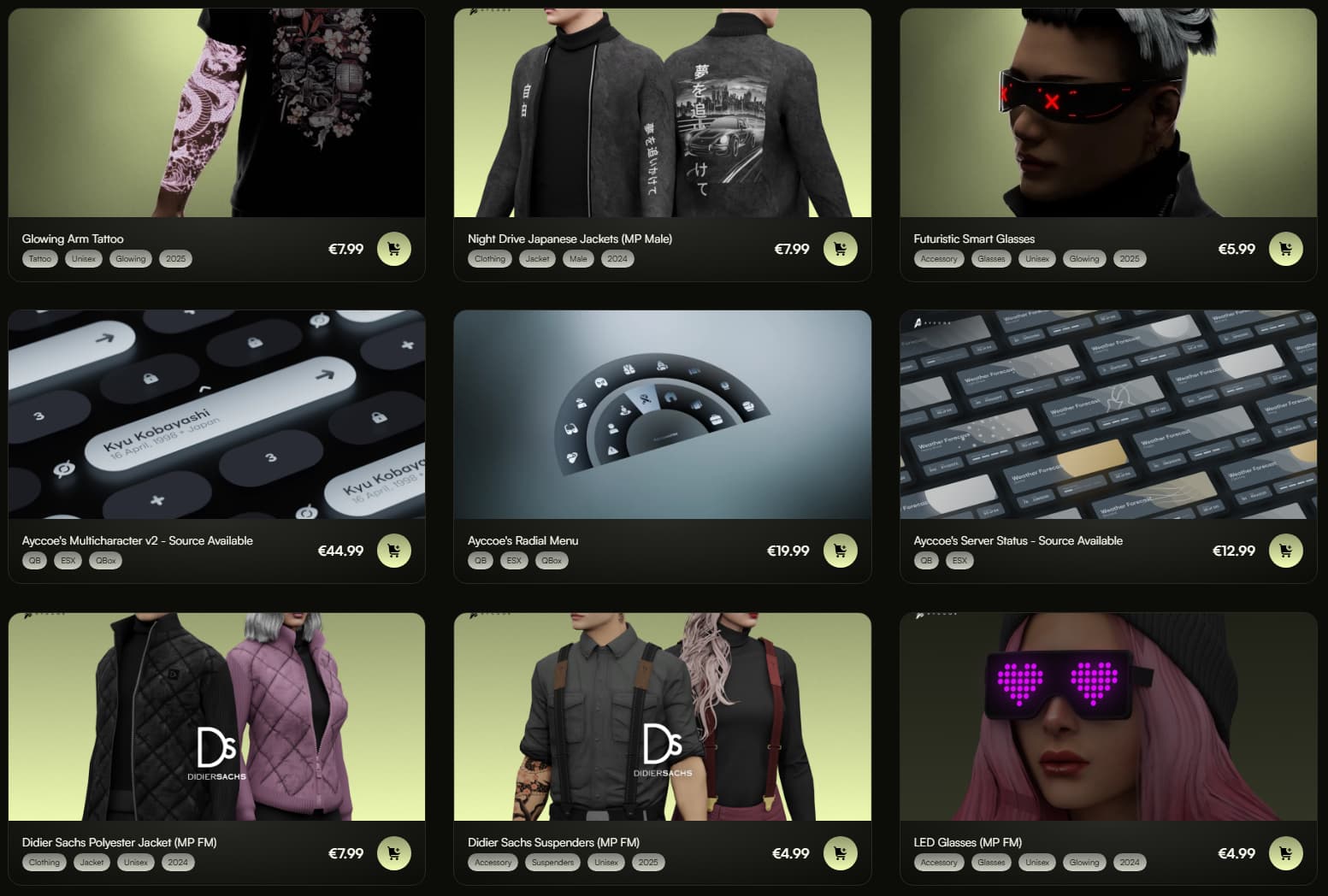
Explore our Web Store for a wide selection of clothing, peds, props, and scripts.
|
|
| Code is accessible |
Yes |
| Subscription-based |
No |
| Lines (approximately) |
5250 |
| Requirements |
QB/Qbox/ESX |
| Support |
Yes |