This script adds a fully functional sticky jammer, featuring a custom 3D model created by our team, to your GTA 5 (FiveM) server. It provides an immersive and strategic technological tool for citizens, allowing for more varied interactions and enhanced in-game realism.
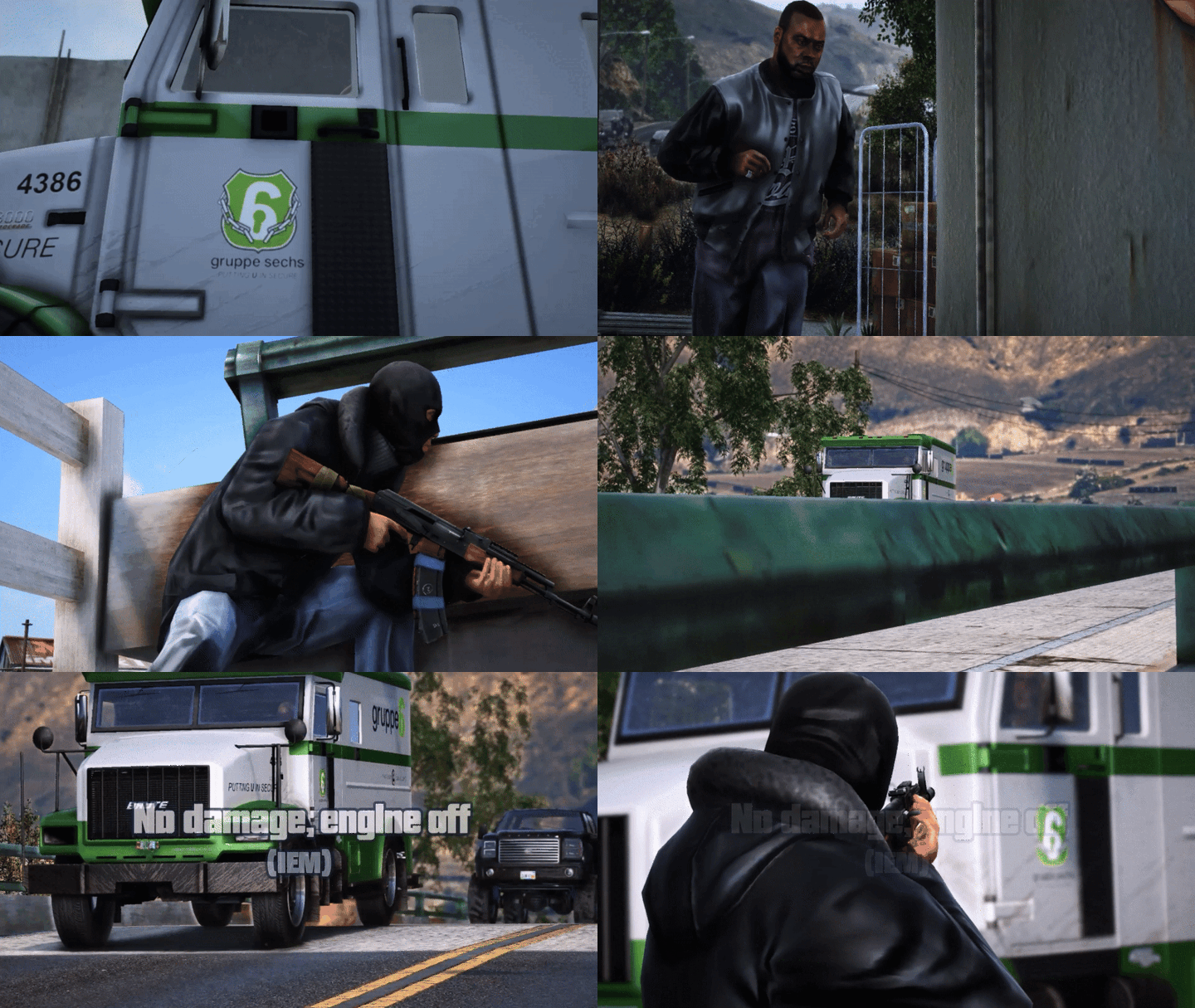
General operation
 Adds a sticky jammer as an ADD-ON, with an exclusive custom 3D model, usable as an item to place on a vehicle.
- Jamming effect triggered upon activation: the target experiences a temporary vehicle disabling, with configurable visual and sound effects (default or custom).
 Compatible with all inventory and item management systems on FiveM, for seamless integration across server types.
Tebex Link
https://noko.tebex.io/category/fivem-script
Documentation
Configuration file
The configuration file is located in the shared folder, named “config.lua”
config.lua file is described in detail in the documention
What can be modified via the config.lua
- Debug: Enable debug mode (true/false). If true, debug messages will be printed to the console.
- Locale: Language used for messages (e.g. “fr” for French).
- Key: Key to activate the sticky jammer
- SendNotification: Enable notifications (true/false).
- Notify: Notification system to use (default: mythic_notify, k5_notify, etc.).
- SoundName: Name of the sound file used on activation.
- SoundmaxDistance: Maximum distance at which the sound can be heard.
- MaxVolume: Maximum sound volume (0.0 to 1.0).
- EmpRange: Range of the explosion effect in meters.
- EmpTimer: Duration of the jamming effect in seconds.
- MaxDetonationDistance: Maximum distance between the player and the target for the detonation to be effective.
- DetonationCooldown: Detonation cooldown time (in seconds) — time required before the player can trigger another detonation.
- ExplosionID: Type of explosion used (numeric ID).
- UseParticleEffects: Enable visual effects (true/false).
- ParticleDict: Particle dictionary used for the visual effect
- ParticleName: Name of the particle used for the visual effect
- ParticleScale: Particle scale (size).
- ParticleDuration: Duration of the visual effect in milliseconds.
- MaxActiveObjects: Maximum number of active sticky bombs per client
- MaxStickiesPerPlayer: Maximum number of sticky bombs per player (server-side)
- ObjectCleanupInterval: Automatic cleanup interval in seconds (client-side)
- ServerCleanupInterval: Automatic cleanup interval in seconds (server-side)
- ObjectLifetime: Maximum lifetime of an object in seconds (10 minutes)
- FlyingObjectTimeout: Timeout for flying objects in seconds
- StickyLifetime: Maximum lifetime of placed stickies in seconds (15 minutes)
- searchForVehicleRange: Detection range for attaching to vehicles (in meters)
- BIGVEHICLECLASSES: Vehicle categories with increased detection range (helicopters, planes, commercial trucks). Mainly for large vehicles because their entity detection hitbox does not cover the whole vehicle.
- StickyBoneConfig: Bone attachment configuration per vehicle class. The order defines the priority for bone search.
|
|
| Code is accessible |
No |
| Subscription-based |
No |
| Lines (approximately) |
± 2000 |
| Requirements |
Standalone |
| Polygons (model) |
8 156 |
| Support |
Yes |
![STICKY JAMMER ( IEM Bomb Weapon ) - [PAID] | FiveM main image](https://forum-cfx-re.akamaized.net/optimized/5X/0/d/e/1/0de14c31973f2afc53cf6cdd9825793d99d67d90_2_690x388.jpeg)
![STICKY JAMMER ( IEM Bomb Weapon ) - [PAID] | FiveM thumbnail 3](https://docs.noko.gg/favicon.svg)