

MI Outfit Bag

A script by Minovic1

No reviews yet.
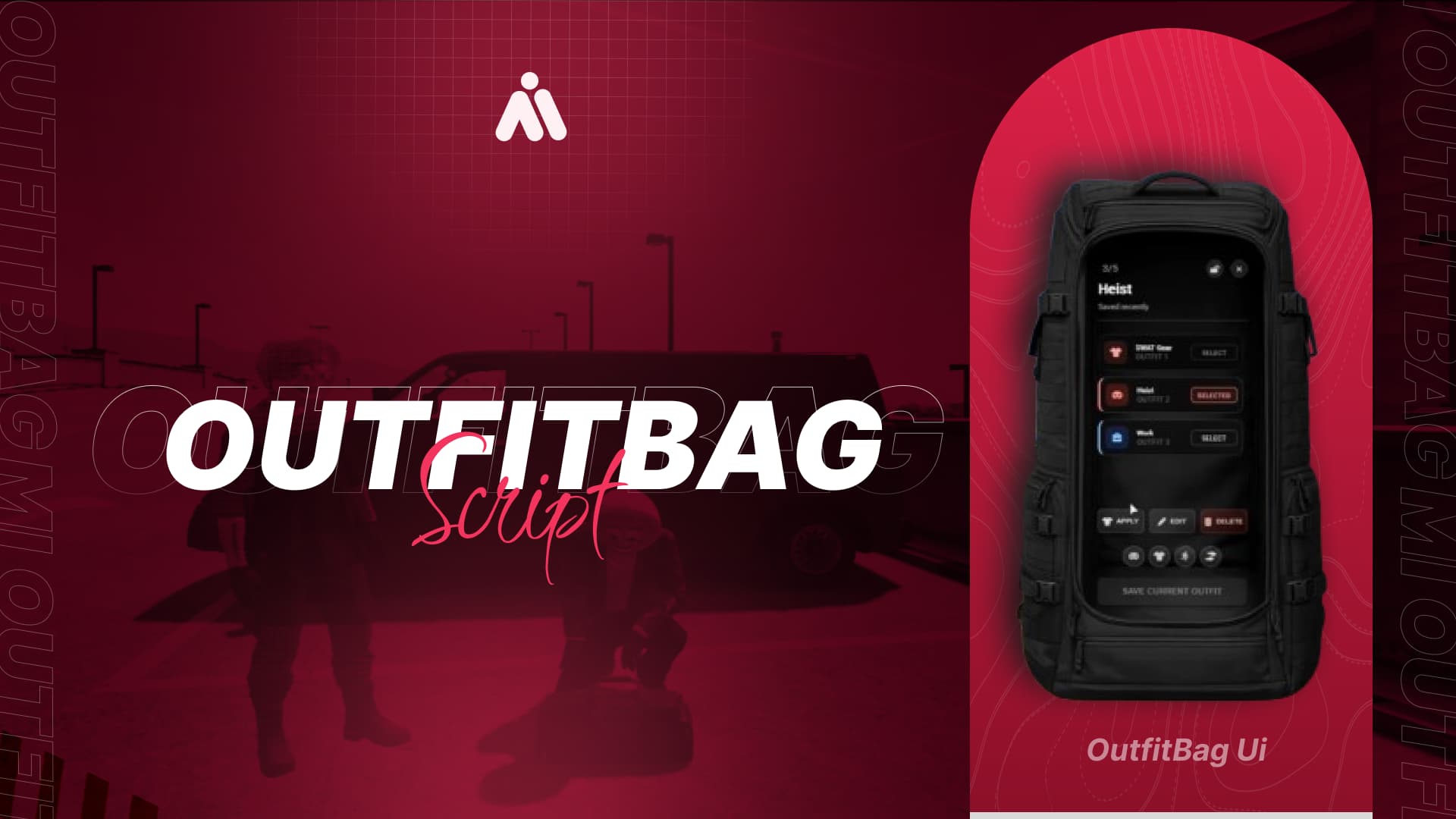
MI Outfit Bag main image

Full Description

MI Outfit Bag :school_satchel:


The Most Advanced Outfit Bag System for FiveM (QBCore / ESX / Qbox)

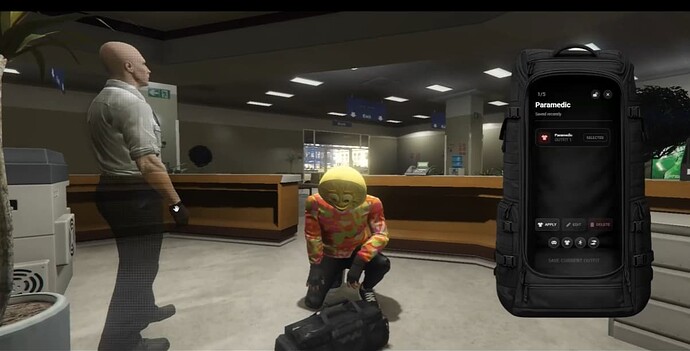
MI Outfit Bag brings a clean, immersive, and optimized way to manage outfits anywhere on your server.
Drop the bag on the ground, open it with a modern UI, preview outfits instantly, and switch looks in seconds.

Built for serious roleplay servers, this system focuses on realism, organization, and smooth gameplay.
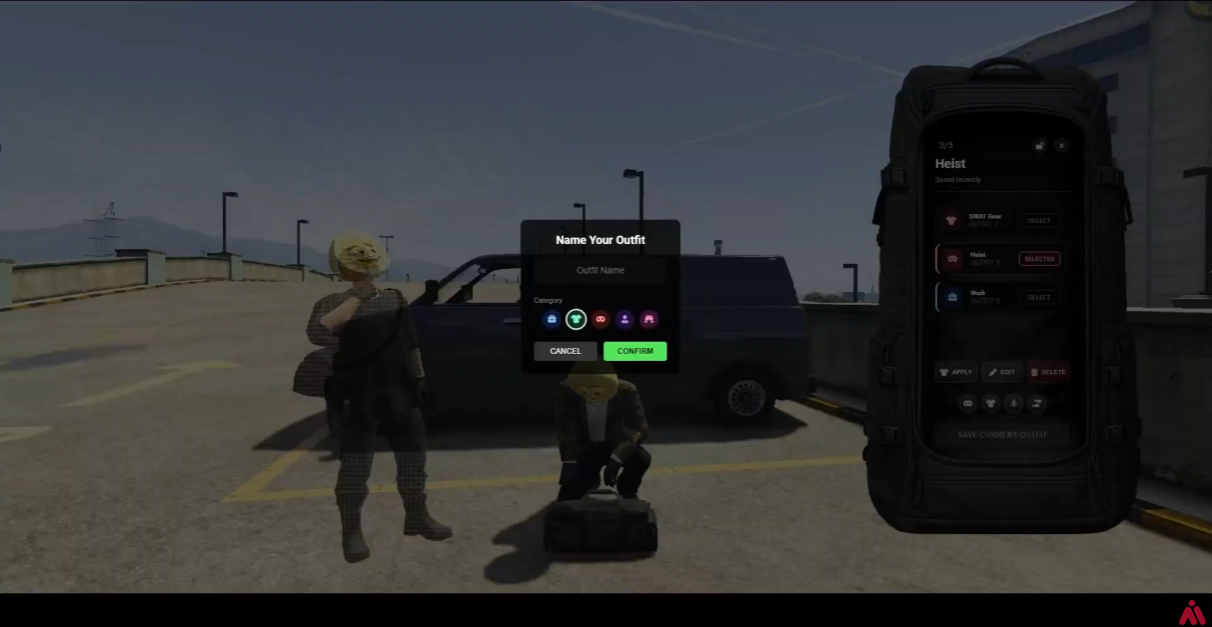
(Add your screenshots / grid here)

Screenshot 1
Screenshot 2
Screenshot 3


:sparkles: Features

  • Portable Outfit Bag

    • Drop the bag anywhere
    • Open, browse, and manage outfits on the go
  • Instant Outfit Access + Preview

    • View all saved outfits instantly
    • Preview before equipping
  • Full Outfit Equip

    • Switch to a complete outfit with one click
    • Smooth and fast outfit switching
  • Piece-by-Piece Mixing

    • Mix clothing pieces from different outfits
    • Create unique combinations easily
  • Save & Organize

    • Save new outfits anytime
    • Custom names + icons for easy searching later
  • Lock / Share System

    • Lock your bag for privacy (owner-only)
    • Or keep it open and share outfits with friends
  • Persistent Storage

    • Pick up the bag and store it back in your inventory
    • Keeps all outfits saved for future use (metadata saving)
  • Job Outfit Bags

    • Create bags for any job you want
    • Place them in different locations for workers
  • Grade-Based Uniforms

    • Optional rank/grade outfits system
    • Players automatically access uniforms based on their grade
  • Fully Configurable

    • Everything is configurable through config.lua
    • Easy to customize for any server style

:zap: Performance

  • Lightweight and optimized
  • Smooth UI


fast outfit applying

  • Built for multiplayer environments

:jigsaw: Dependencies

Required

  • ox_lib

Supported / Optional

  • ox_target / qb-target
  • ox_inventory / qb-inventory
  • QBCore / Qbox / ESX (depending on your setup)

:hammer_and_wrench: Installation (Quick)

  1. Drop the resource folder into your resources directory
  2. Ensure it in your server.cfg
  3. Make sure dependencies are running:
    • ox_lib
    • target/inventory resources you use
  4. Edit config.lua:
    • Bag item name
    • Bag model
    • Max outfits
    • Job locations + grade outfits
    • Lock/share settings

:closed_lock_with_key: Asset Protection

This resource uses CFX Asset Escrow & encryption.

Editable files:

  • config.lua

:shopping_cart: Purchase

Tebex:

https://minovic-store.tebex.io/package/7247441


:telephone_receiver: Support

Support is available after purchase via Discord.

Mi


Code

Item Value
Code is accessible No (Escrow protected)
Subscription-based No
Requirements & dependencies ox_lib
Support Yes
Config Merger
Have you tried Config Merger? Merge your configs easily