![Obs_LoadingScreen [QBCore & ESX & QBOX & STANDALONE] Advanced Loading Screen For Fivem main image](https://forum-cfx-re.akamaized.net/original/5X/f/5/5/3/f553c431c37914f68c601971422db0bb56f6a4f9.png)
![Obs_LoadingScreen [QBCore & ESX & QBOX & STANDALONE] Advanced Loading Screen For Fivem thumbnail 2](https://forum-cfx-re.akamaized.net/optimized/5X/e/e/4/3/ee43d04affe6ae5558cd9ffaa707d4f305a3f3f6_2_690x341.jpeg)
![Obs_LoadingScreen [QBCore & ESX & QBOX & STANDALONE] Advanced Loading Screen For Fivem thumbnail 3](https://forum-cfx-re.akamaized.net/optimized/5X/7/3/c/c/73ccccdf77ca12cd9c9bceba1268f73f323c3b42_2_690x333.jpeg)
![Obs_LoadingScreen [QBCore & ESX & QBOX & STANDALONE] Advanced Loading Screen For Fivem thumbnail 4](https://forum-cfx-re.akamaized.net/optimized/5X/6/5/d/8/65d88ef49ec8406efa9db0e88d56b88a1a9ae052_2_690x337.jpeg)
![Obs_LoadingScreen [QBCore & ESX & QBOX & STANDALONE] Advanced Loading Screen For Fivem thumbnail 5](https://forum-cfx-re.akamaized.net/optimized/5X/4/8/d/c/48dc2a3f561ba210c360281fa48974eacdf22b4b_2_690x329.jpeg)
![Obs_LoadingScreen [QBCore & ESX & QBOX & STANDALONE] Advanced Loading Screen For Fivem thumbnail 6](https://forum-cfx-re.akamaized.net/optimized/5X/8/5/d/7/85d77436475071050d54302f15d7d4a361b6917b_2_690x331.jpeg)
![Obs_LoadingScreen [QBCore & ESX & QBOX & STANDALONE] Advanced Loading Screen For Fivem thumbnail 7](https://forum-cfx-re.akamaized.net/optimized/5X/0/5/2/b/052b64bcc614c8e8f6e6b68339f6865df4be00b5_2_690x335.jpeg)
Price
$7.50
A script by Obsidian_Studio
Price
$7.50A visually refined and modern UI/UX loading screen for FiveM servers that transforms the waiting experience into an engaging showcase of your community. Featuring a sleek glass-morphism design with smooth animations, dynamic backgrounds (YouTube, video, or image), and complete Escrow protection, this premium interface ensures your server makes a lasting first impression. The loading screen includes fully customizable sections for social media links, Discord integration with live member counts, team member showcases, changelogs, interactive keybinds display, a built-in music player with visualizer, and an image gallery viewer. All content is easily managed through a single configuration file, while the core logic remains securely encrypted to protect your intellectual property. Whether you’re running a serious roleplay community or a casual gaming server, Obsidian Loading Screen provides the perfect blend of aesthetics and functionality to welcome your players in style.
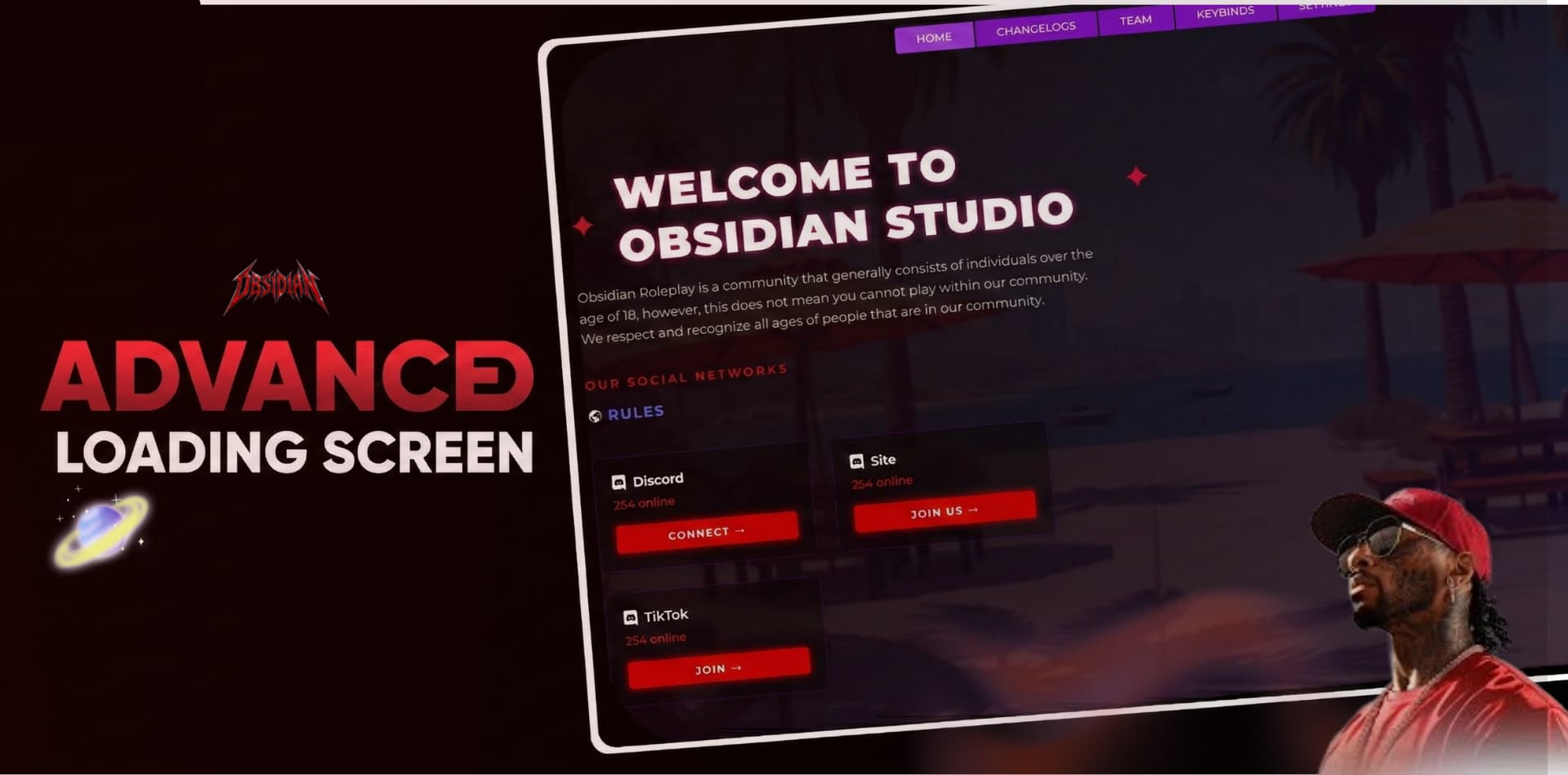

Visual Design & User Interface
The Obsidian Loading Screen features a stunning glass-morphism design with elegant blur effects and smooth animations that create a premium, modern aesthetic for your FiveM server. The interface is fully responsive, automatically adapting to any screen resolution from standard 1080p to ultrawide 4K monitors. With six customizable color themes including Default Purple, Dark Mode, Ocean Blue, Red Alert, Forest Green, and Custom, you can easily match the loading screen to your server’s branding. The glass-morphism panels, gradient overlays, and smooth transitions create an immersive experience that sets the perfect tone for your community.
Dynamic Background System
The dynamic background system offers four distinct types to create the perfect atmosphere for your server. YouTube video backgrounds play any YouTube video as a muted, automatically looping backdrop that scales perfectly on ultrawide monitors. Local video backgrounds support MP4 files with autoplay and loop functionality, while image backgrounds provide crisp, high-quality static visuals. Solid color backgrounds offer a clean, minimalist alternative. Each background type includes adjustable opacity and blur controls, allowing you to fine-tune the visual hierarchy and ensure your content remains readable while maintaining an engaging backdrop.
Social Networks Integration
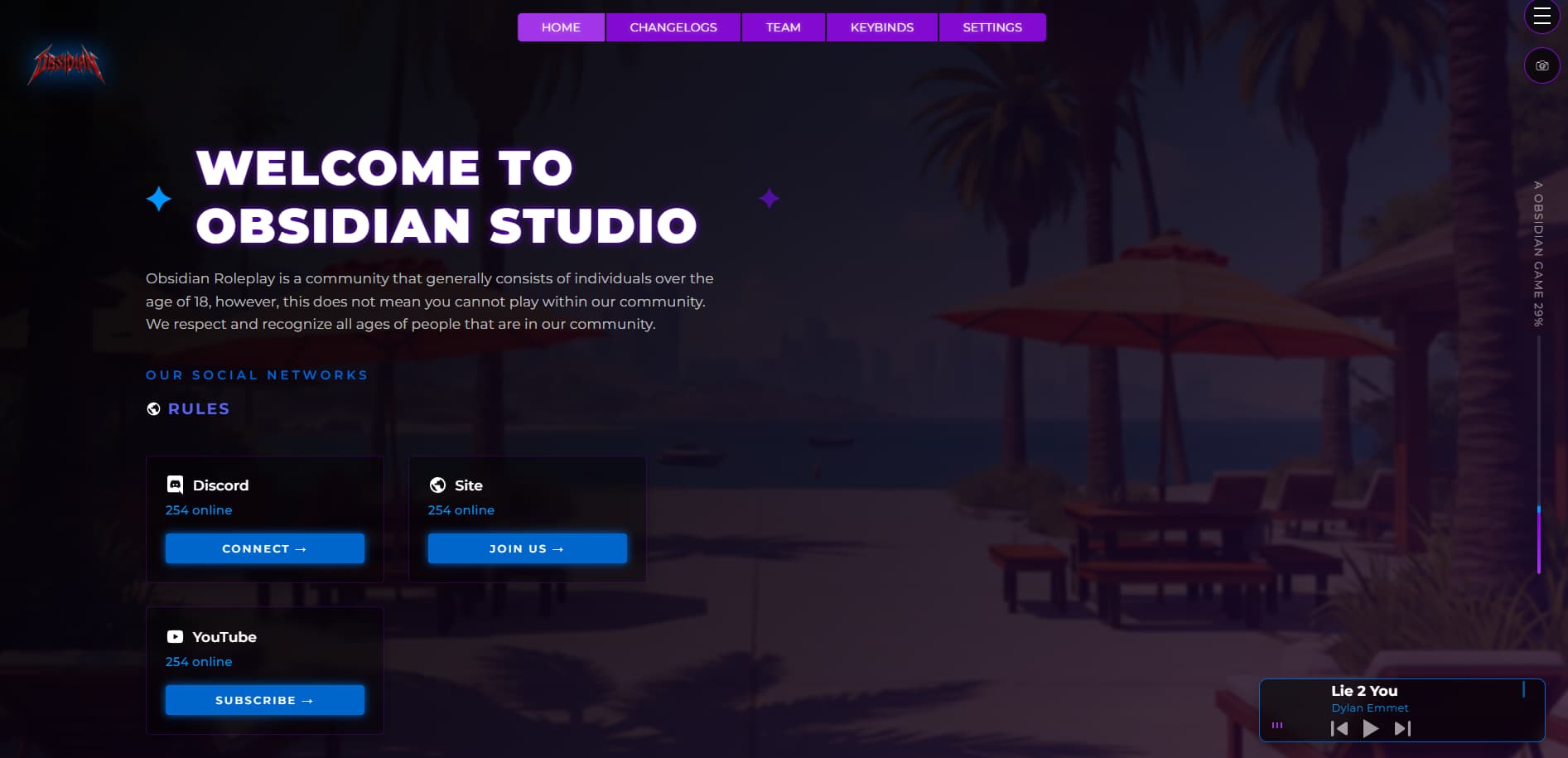
The social networks section allows you to showcase your community’s online presence with unlimited customizable links to platforms like Discord, Website, TikTok, and Instagram. Each link can be configured with its own custom icon, name, URL, and brand color. The links feature an optional underline hover effect and smooth icon scaling animations for satisfying visual feedback. A configurable “OUR SOCIAL NETWORKS” label can be toggled on or off, giving you complete control over how you present your community’s online presence to new players.
A single configuration file gives you complete control over every aspect of the loading screen, allowing you to adjust colors, sizes, positions, and options without touching any code. The icon system supports custom images for social links and Discord boxes, letting you maintain consistent branding across all platforms. Feature toggles let you enable or disable any section independently, so you can present exactly the content that matters to your community. This transforms the mandatory waiting period into an engaging brand experience that welcomes players and communicates your community’s identity – all while maintaining professional aesthetics and robust security.
Settings Panel
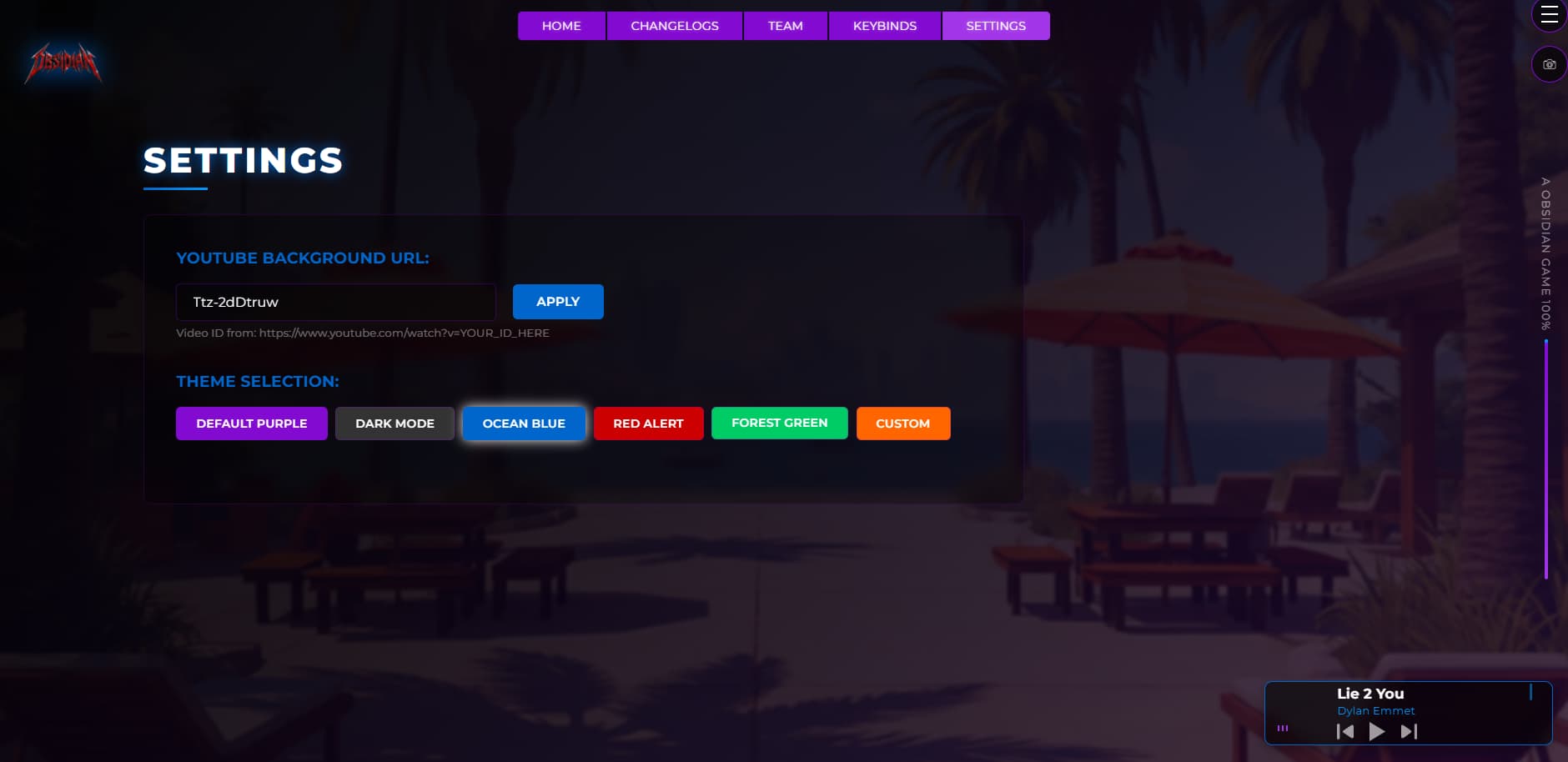
The settings panel empowers players to personalize their loading screen with real-time customization options. The YouTube background changer lets players enter any video ID to instantly change the background, perfect for listening to their own music while loading. The theme selector provides one-click switching between all available color themes, with changes saved to local storage for persistence across sessions. This player-centric approach enhances the user experience while maintaining your server’s professional appearance.
:fire: Much More
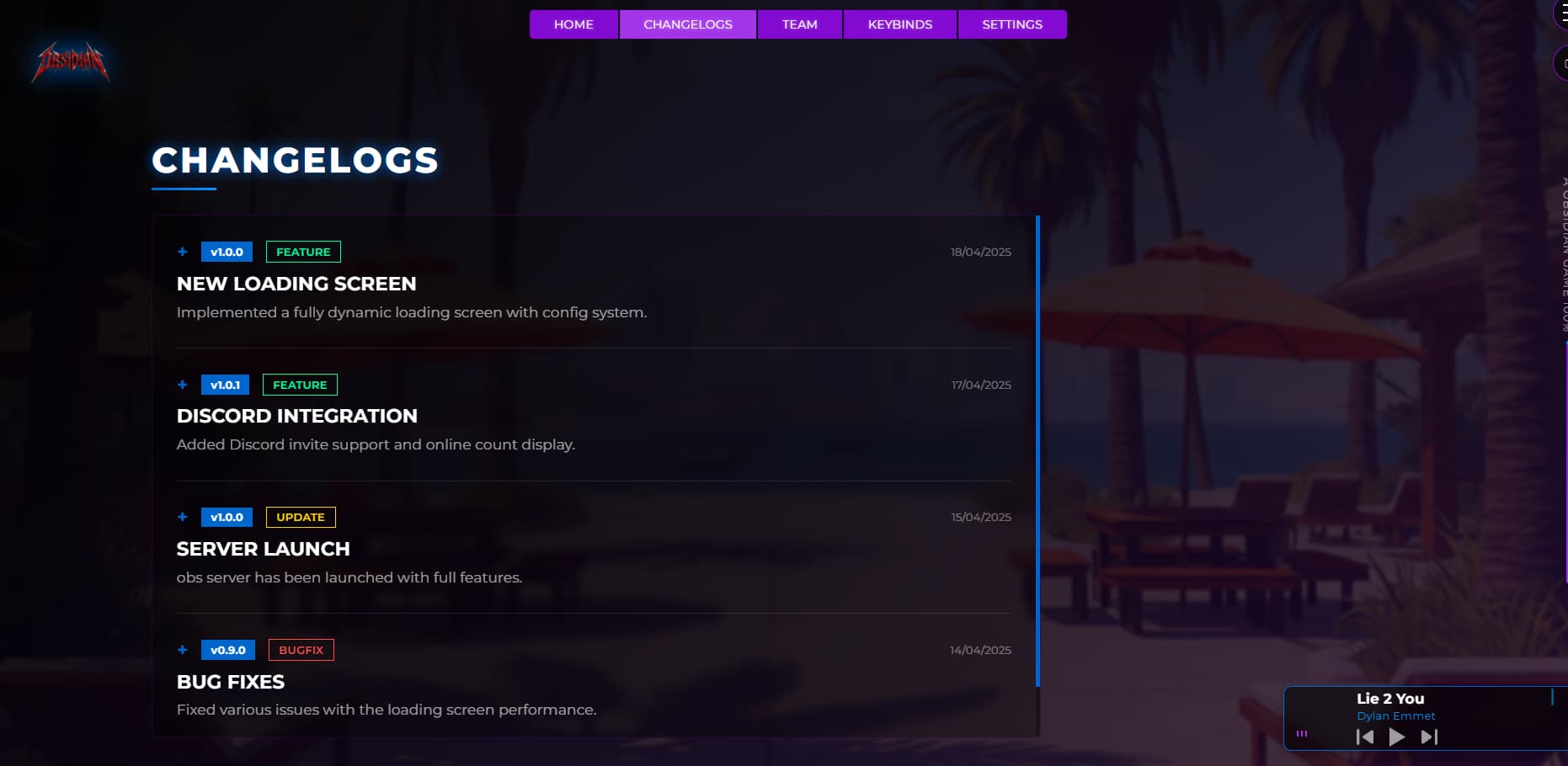
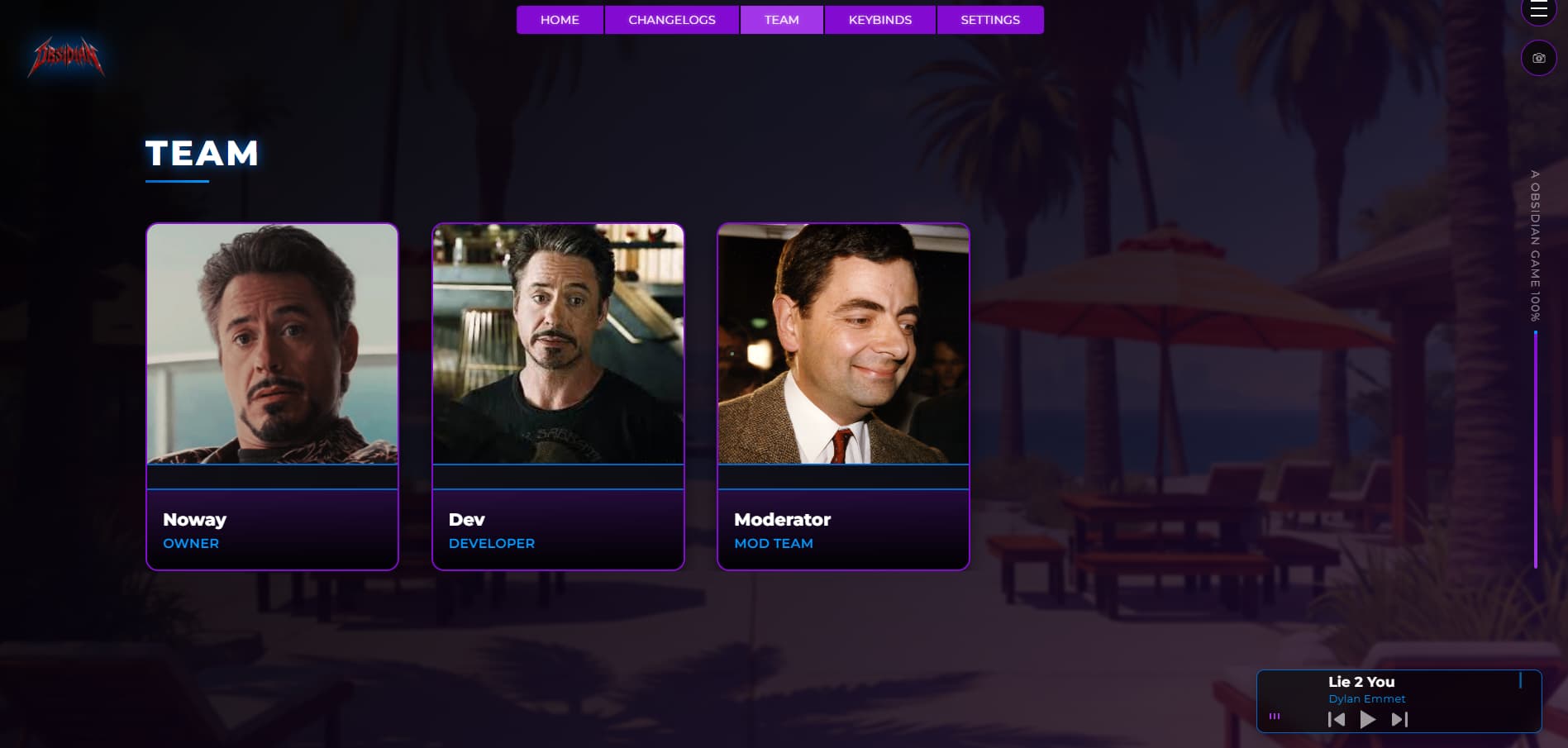
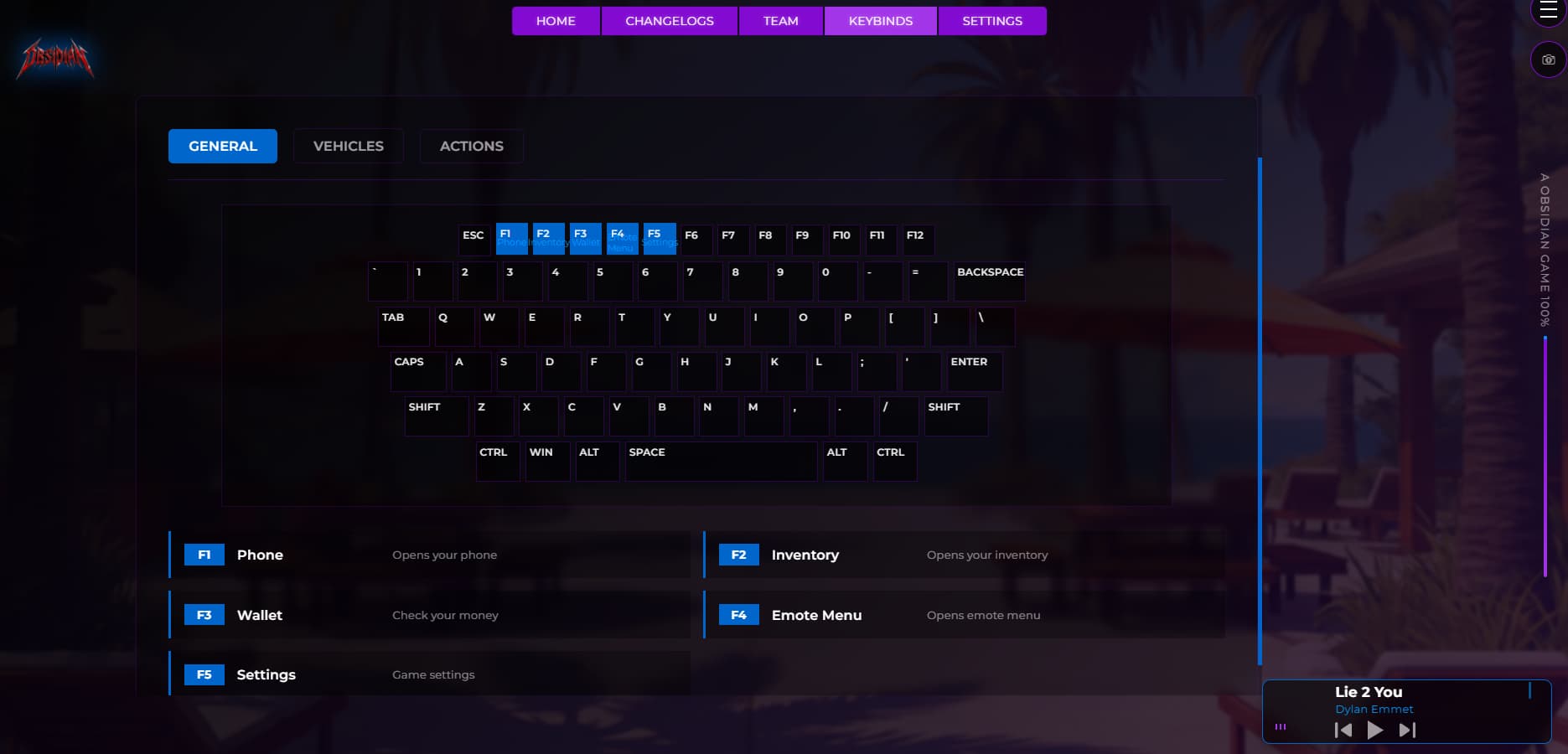
The Discord boxes feature presents multiple community platforms with custom icons for Discord, Website, TikTok, and more, including customizable labels, invite links, button text, and optional real-time member counts. The team showcase displays staff members with images, names, and roles on elegant cards with hover effects. The changelogs section keeps players informed with color-coded version history showing features, bugfixes, and updates. The interactive keybinds display helps players learn controls through a visual keyboard with highlighted keys organized by category. The built-in music player offers a customizable playlist with animated visualizer bars in a collapsible design. The gallery system provides a full-screen image viewer for server screenshots with themed borders and navigation controls. The hint system rotates through configurable tips to engage players during loading. The loading bar offers horizontal or vertical styles with customizable colors and percentage display. All features are protected by FiveM’s Escrow system, with core logic encrypted while server owners maintain easy configuration through a single file.
Important Links
| Code is accessible | Yes ( But Client Code is Not Accessible |
|---|---|
| Subscription-based | Yes - $7.50 |
| Lines (approximately) | 1000+ (HTML, CSS, JS combined) |
| Framework Compatibility | Standalone (can be used with ESX/QBCore/Qbox) |
| Requirements for QBCore | None |
| Requirements for ESX | None |
| Customizable via Config | Yes – full control through config.js |
| Discord Support | Yes |
See what others are saying about this script.
Share your experience and help others.