Price
Unknown
A script by NATIONSCRIPTS
Price
Unknown
 Overview
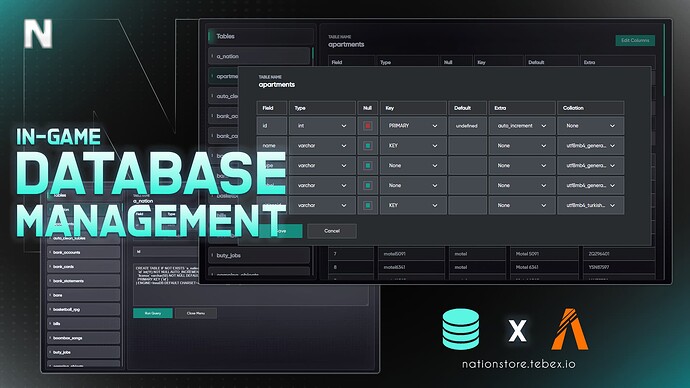
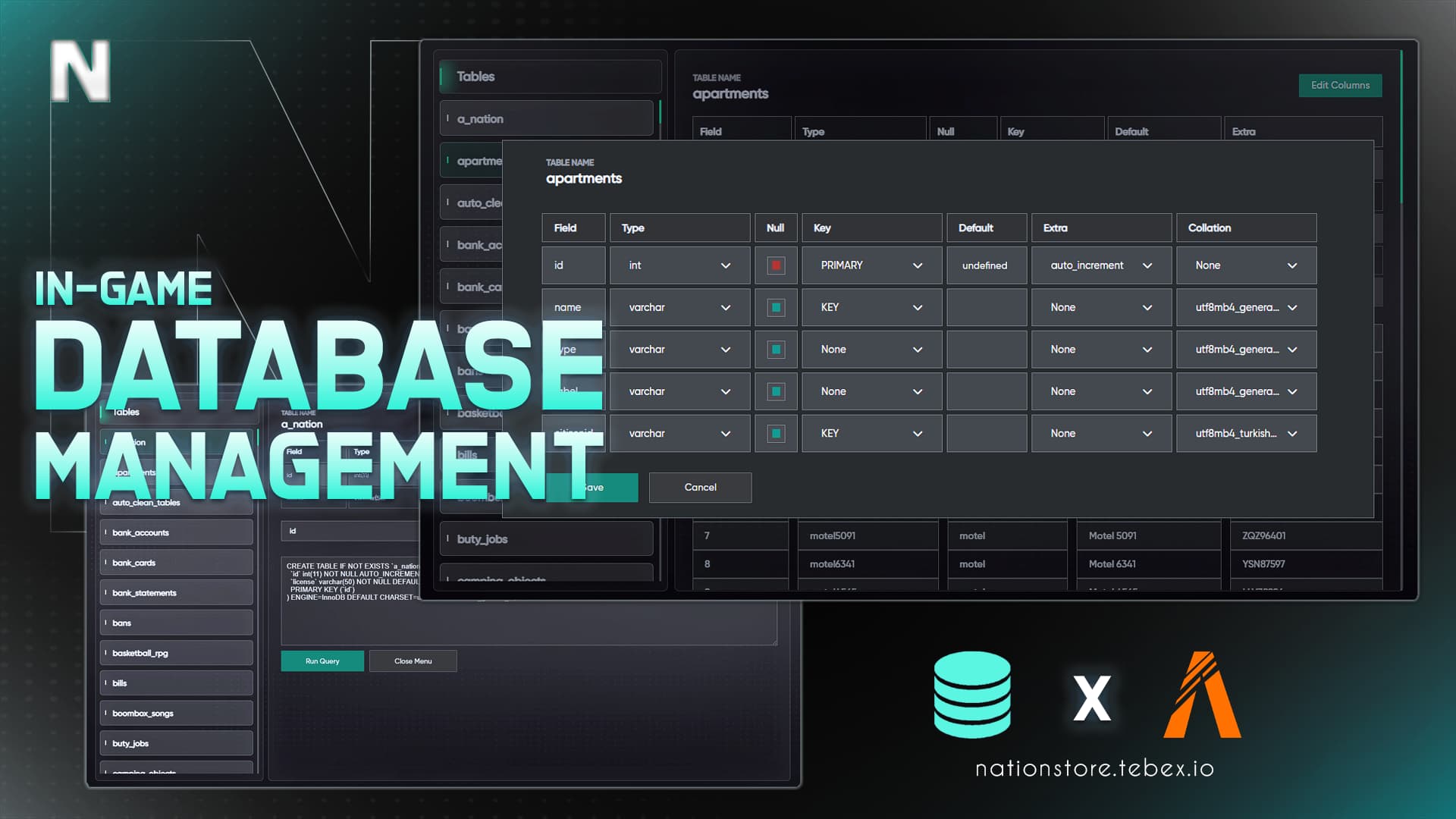
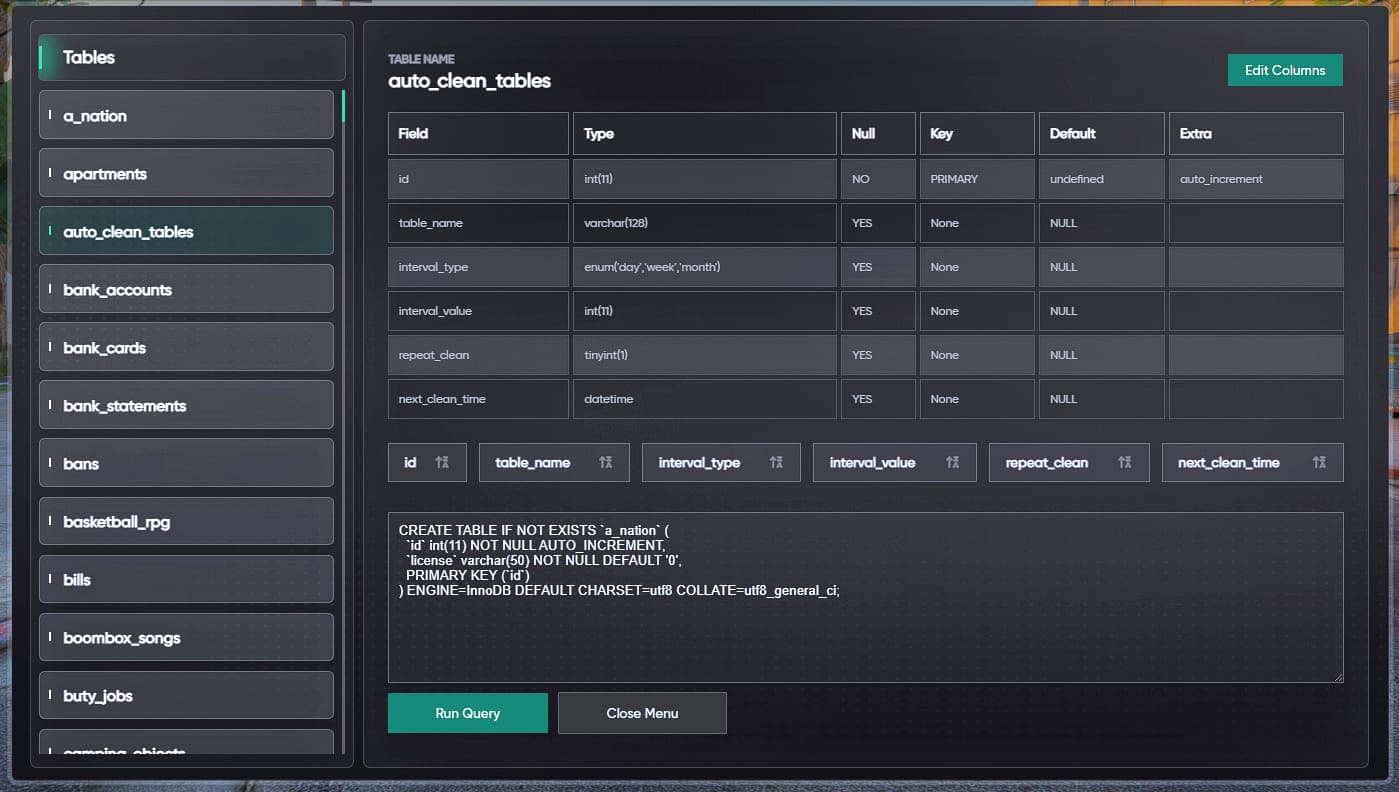
Database Management is a powerful and user-friendly tool designed to manage your server’s database. It provides a phpMyAdmin-like interface that allows you to manage your database directly from within the game.

 Features
 Database Management
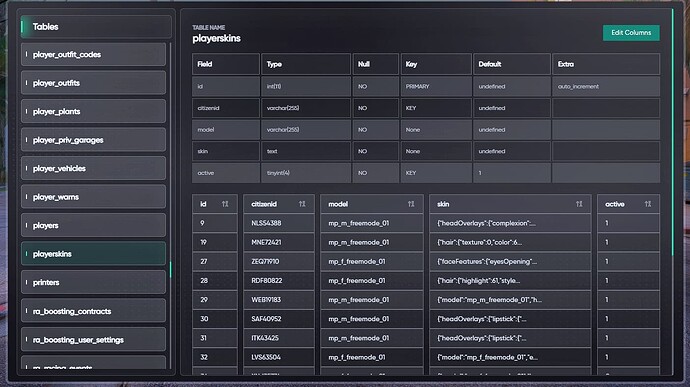
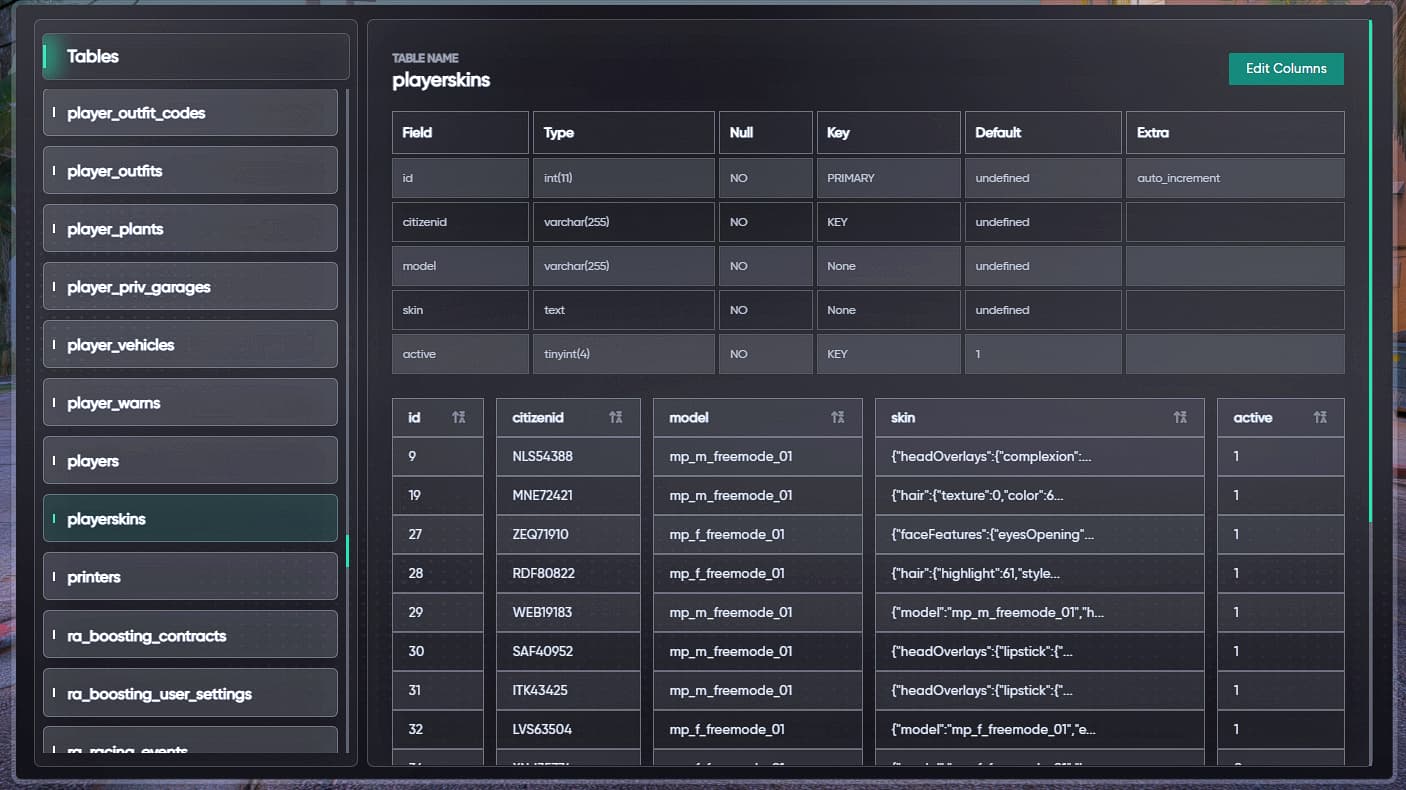
View and manage all tables
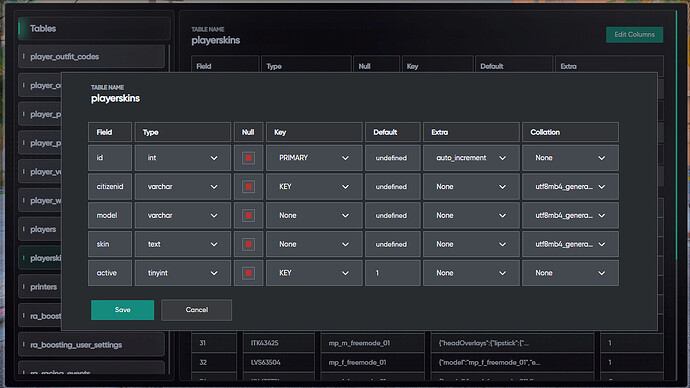
Detailed table structure examination
View and edit table contents
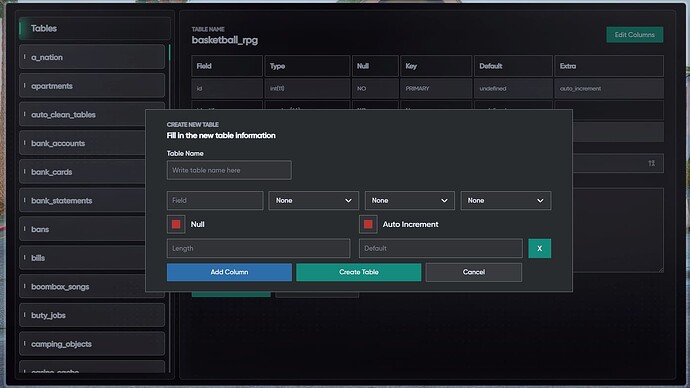
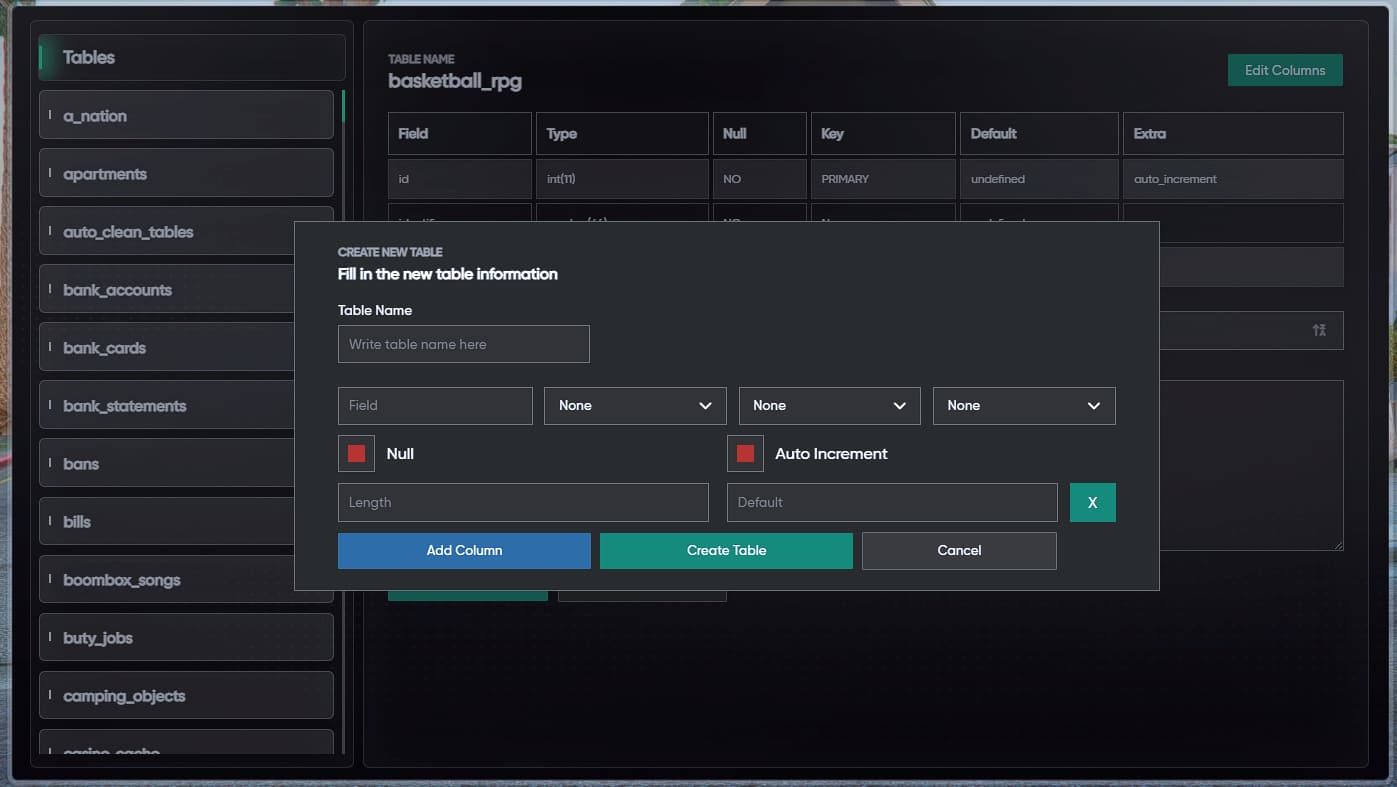
Create new tables
Drop existing tables
Truncate table contents
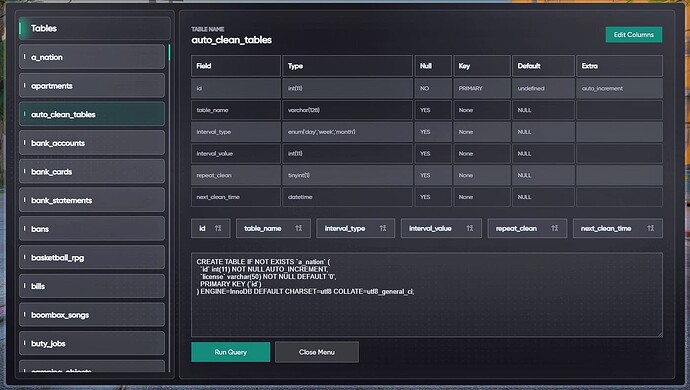
Execute custom SQL queries
 Security
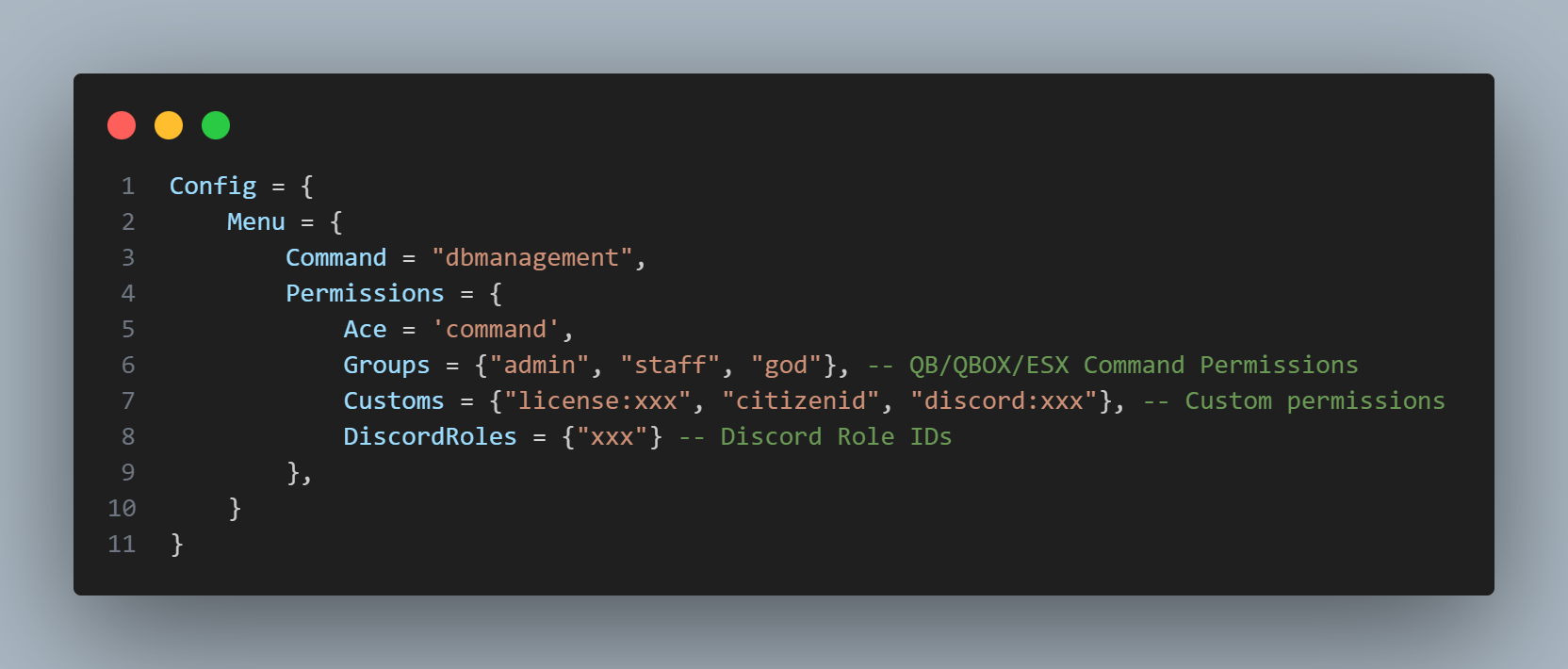
Authorization system
Access restricted to authorized personnel
Secure SQL query management
 User Interface
Modern and elegant design
User-friendly interface
Responsive design
Multi-language support
 Technical Features
Compatible with ESX, QBCore, and Standalone
oxmysql integration
Optimized code structure
Multi-language support
Easy configuration
 Commands
/dbmanagement - Opens management panel (authorized users only) Language Support
 English
 More languages can be added
 Key Features
Live Data Viewing: View database changes in real-time
Advanced Query System: Easily execute complex SQL queries
Table Management: Detailed table inspection and editing
Data Security: Secure access with authorization system
Optimized Performance: Low resmon values
User-Friendly: Easy-to-use interface
 Security Features
SQL injection protection
Authorization system
Secure data transfer
Logging system
 Why Nation Database Management?
In-Game Access: Manage database without phpMyAdmin or HeidiSQL
User-Friendly: Easy to use without complex SQL knowledge
Secure: Advanced security measures
Optimized: Low resource usage
Professional Support: 24/7 support service
## 🔧 Installation

1. Download the script

2. Place the `nation-dbmanagement` folder in your `resources` directory

3. Add `ensure nation-dbmanagement` to your server.cfg

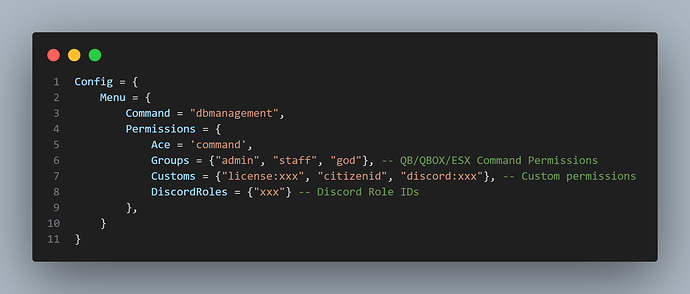
4. Configure authorized users in the config file

5. Restart your server
| Code is accessible | No |
| Subscription-based | No |
| Lines (approximately) | 700+ |
| Requirements | Standalone |
| Support | Yes |
See what others are saying about this script.
Share your experience and help others.