![Fivem Grill Simulator | pinkFrog.io [ESX/QBOX/QBCORE] main image](https://forum-cfx-re.akamaized.net/optimized/5X/e/f/6/a/ef6ace1e9973120268a824468d3232c999835226_2_690x388.jpeg)
![Fivem Grill Simulator | pinkFrog.io [ESX/QBOX/QBCORE] thumbnail 2](https://img.youtube.com/vi/Z1EZdIZdo_Q/maxresdefault.jpg)
![Fivem Grill Simulator | pinkFrog.io [ESX/QBOX/QBCORE] thumbnail 3](https://forum-cfx-re.akamaized.net/optimized/5X/d/9/9/a/d99ace1eba9d4001034ceab6b1bb0a70abb55e78_2_690x387.jpeg)
![Fivem Grill Simulator | pinkFrog.io [ESX/QBOX/QBCORE] thumbnail 4](https://forum-cfx-re.akamaized.net/optimized/5X/b/9/f/c/b9fcba911cbe782486c15c6bf26145af99f3929c_2_690x387.jpeg)
![Fivem Grill Simulator | pinkFrog.io [ESX/QBOX/QBCORE] thumbnail 5](https://forum-cfx-re.akamaized.net/optimized/5X/4/1/0/7/41073f83c1143862835cc7b08aa8dfb6d22b66cc_2_690x387.jpeg)
![Fivem Grill Simulator | pinkFrog.io [ESX/QBOX/QBCORE] thumbnail 6](https://forum-cfx-re.akamaized.net/optimized/5X/1/c/e/4/1ce495fa99401f984ad3ac85482e232b7ae8ac22_2_690x388.jpeg)
Price
Unknown
A script by PinkFrog.io
Price
Unknown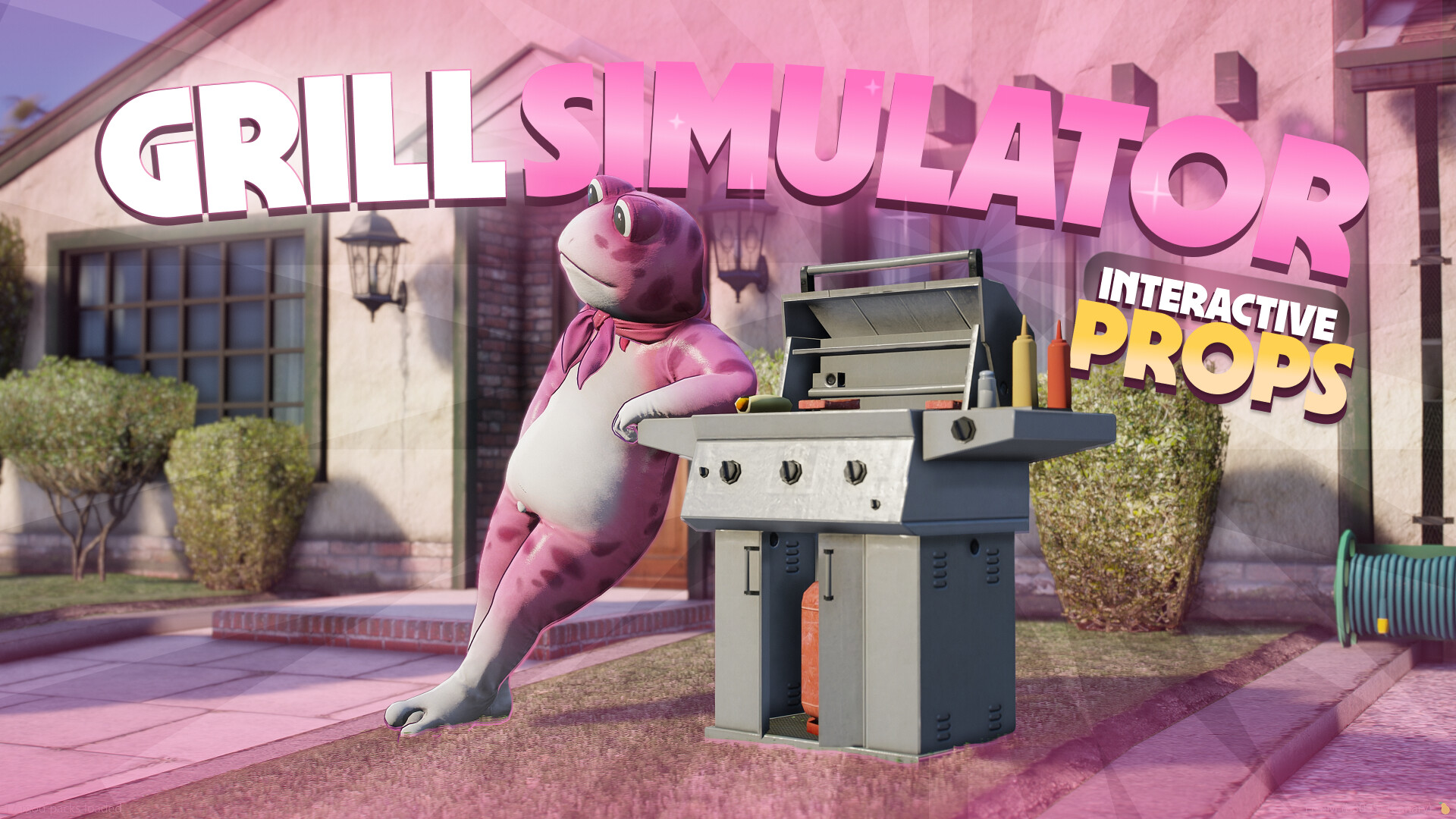
Want your server to truly stand out? Give players a new way to relax, socialize, and cook together with Grill Simulator by PinkFrog.
This script is built around modern realism and allows players to prepare and grill different types of food. It also introduces a level of attention and interaction that makes cooking feel meaningful and engaging.
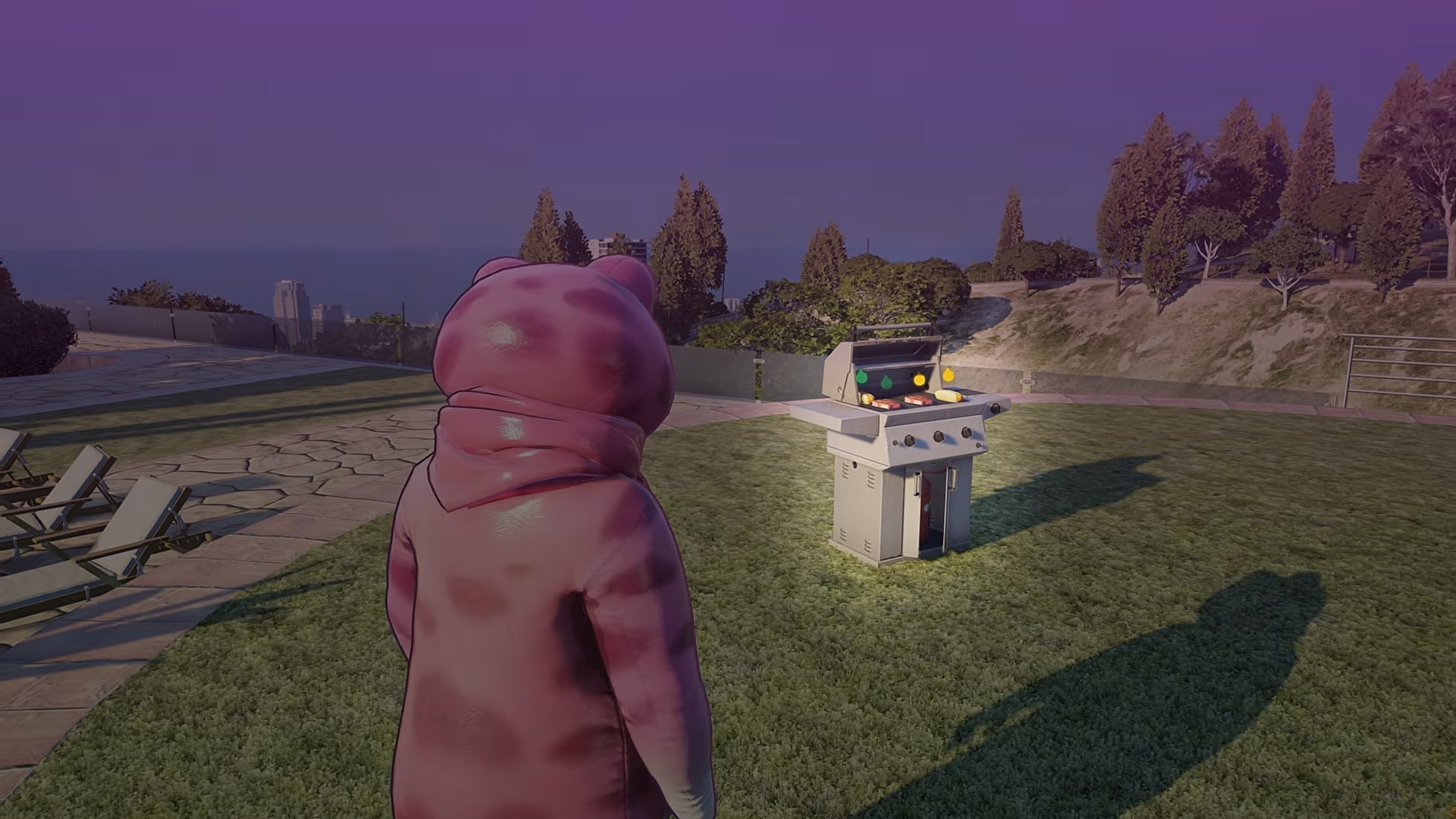
To begin, the player needs a grill item, which can be used to place a grill in the world.
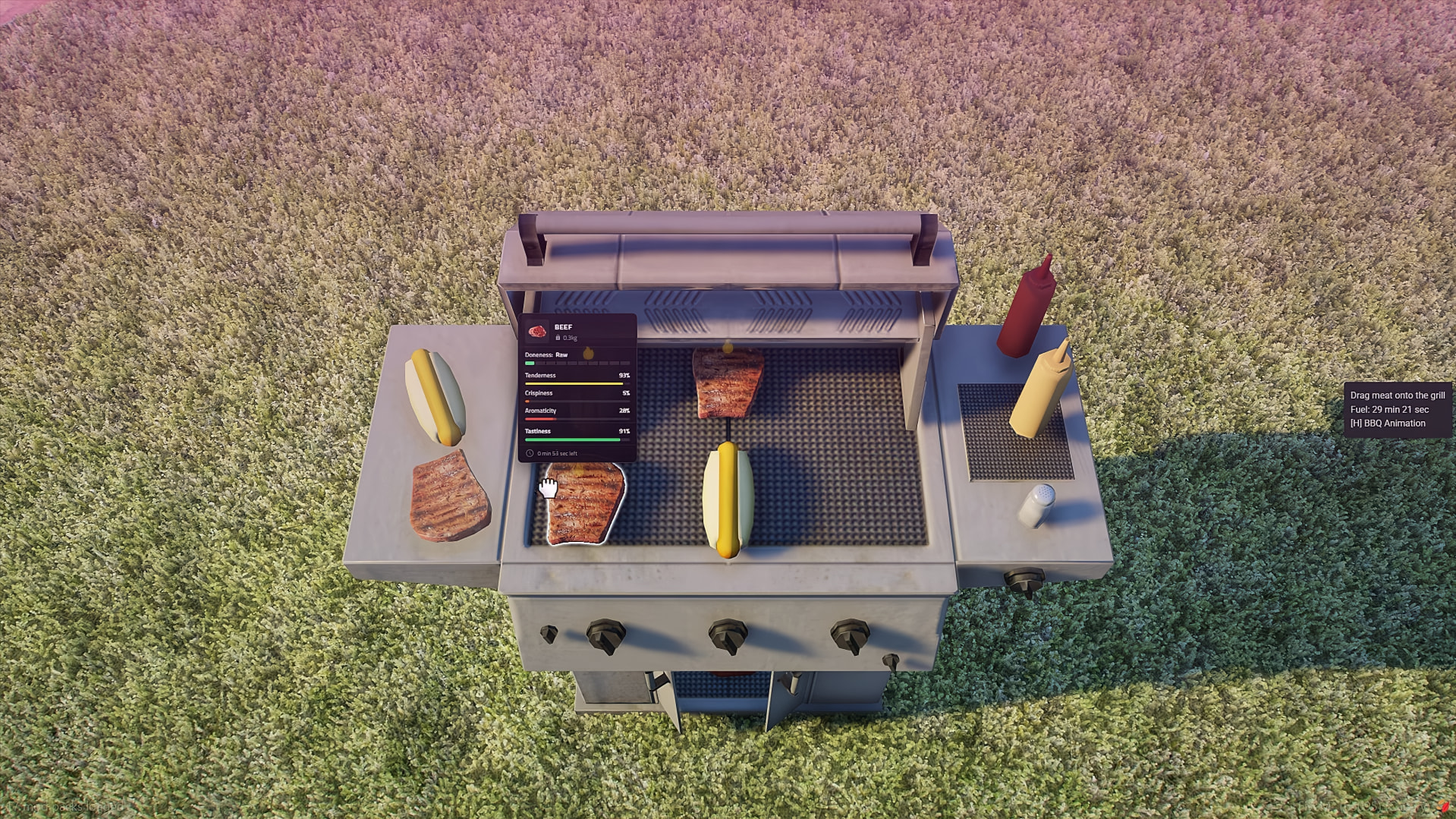
After placing it, the player can open the grill menu, put food onto the grill, add charcoal as fuel, and start cooking in real time.
While grilling, hovering over a piece of meat displays useful information such as seasoning level, doneness, and exact cooking time.
Players can season their food using salt and add sauces like ketchup or mustard. The system allows for precise control over how food is prepared.
If enabled, seasoning requires actual movement of the mouse to simulate shaking the condiment over the meat, which adds an extra layer of immersion.
The script includes a clear and readable system that shows the current state of food. Players can easily recognize whether something is raw, properly cooked, starting to burn, or fully burned.
This removes guesswork and keeps the gameplay smooth and intuitive.
Food requires attention. Leaving it on the grill for too long will result in it burning, and in some cases the grill itself can catch fire.
This creates natural tension and encourages players to stay engaged during cooking.
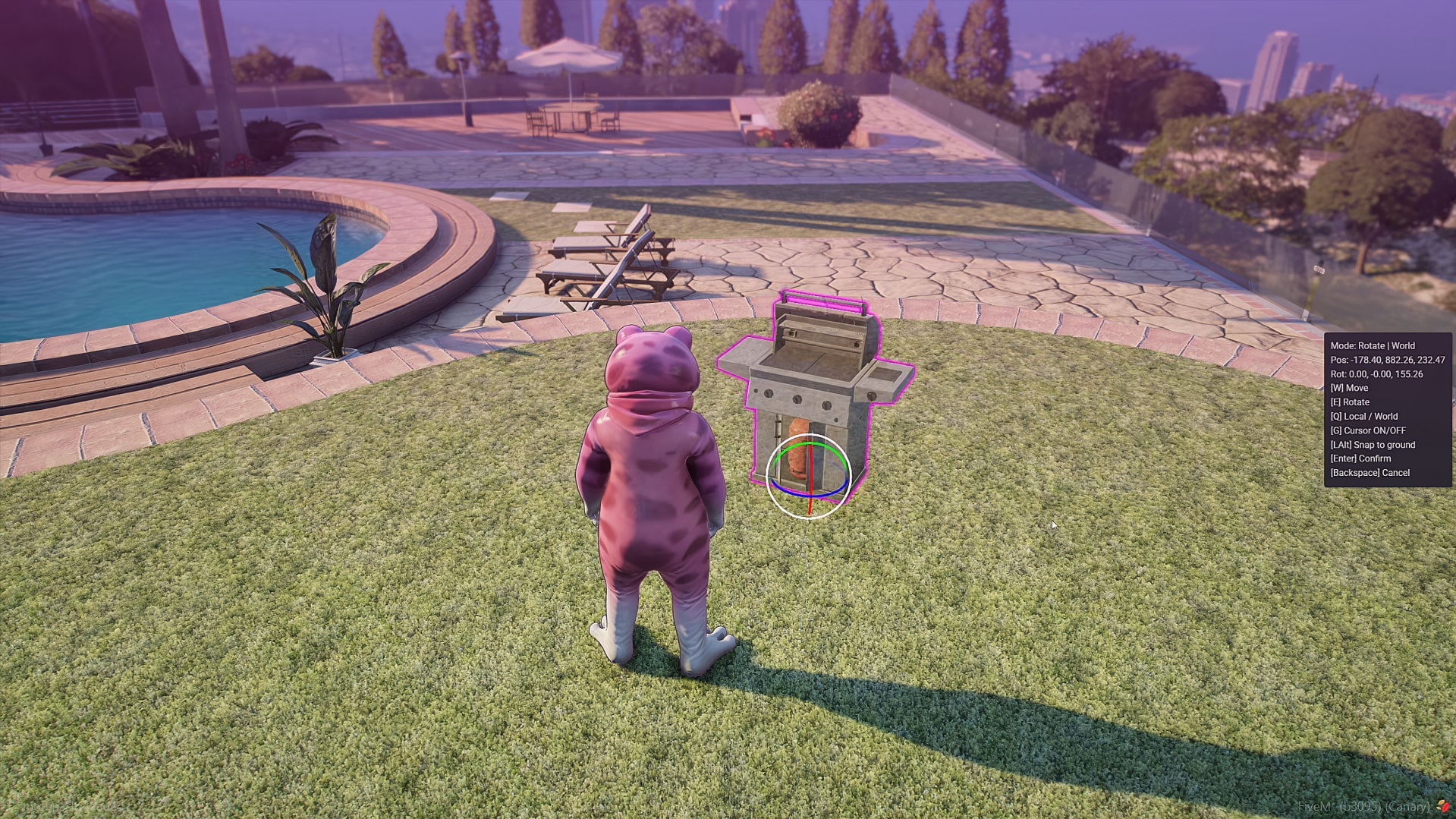
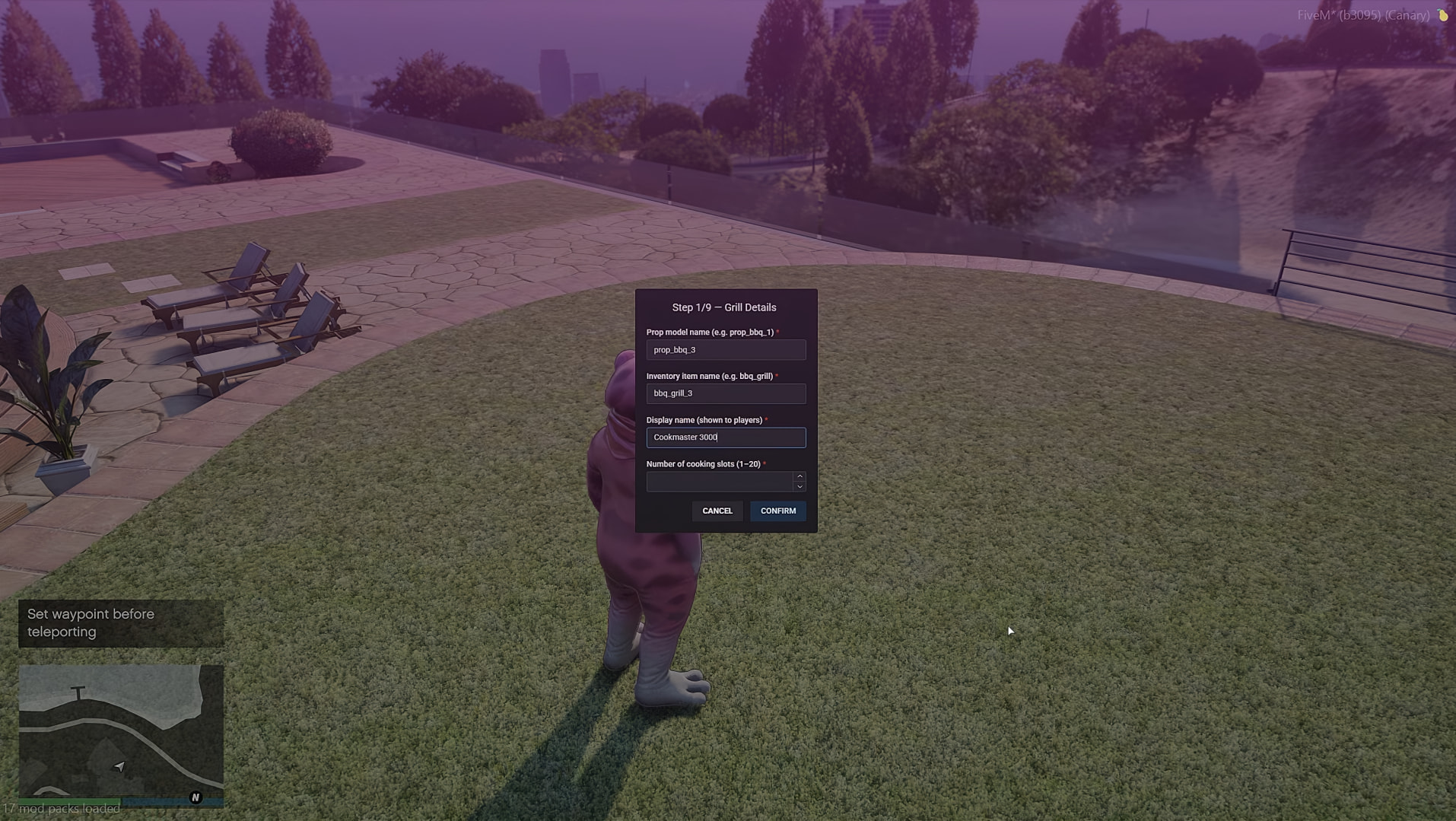
The script includes a built-in development tool that allows server owners to create and configure their own grills.
You can define positions, adjust behavior, set cooking slots, and customize how everything works to match your server’s style.
All interactions are designed to feel natural and responsive. From placing the grill to handling food and seasoning, everything is built to provide a smooth and satisfying experience.
QBCore / QBOX / ESX (auto-detect)
ox_target / qb-target / adjust it to your preference in the editable files.
ox_inventory / qb-inventory / adjust it to your preference in the editable files.
Custom frameworks and systems support
Get it now on our Tebex!
| | |
| |
|----|----|----|----|
| Code is accessible | The code is partially visible — files like dataview.lua, gizmo.lua, client_editable.lua, server_editable.lua, and the config files are unlocked, while the rest, including the main Lua files, are locked. |
| Subscription-based | No |
| Lines (approximately) | 3000 Lua, 1000 Ui |
| Requirements | Framework like ESX/QBOX/QBCORE, OX-INVENTORY/QB-INVENTORY, TARGET TO CONNECT For example ox_target/qb-target, ox_lib |
| Support | Yes |
See what others are saying about this script.
Share your experience and help others.