

Price
Unknown
A script by FeronScripts
Price
Unknown
Your players log in, do their jobs, drive around, maybe get into a shootout. But what keeps them coming back night after night? Moments they can’t get anywhere else. Liar’s Deck turns any bar or casino on your server into a social hotspot — a place where players gather around a table, bluff each other, call liars, and watch someone pull the trigger.
https://www.youtube.com/watch?v=sdBgY5O2If8
Screenshots
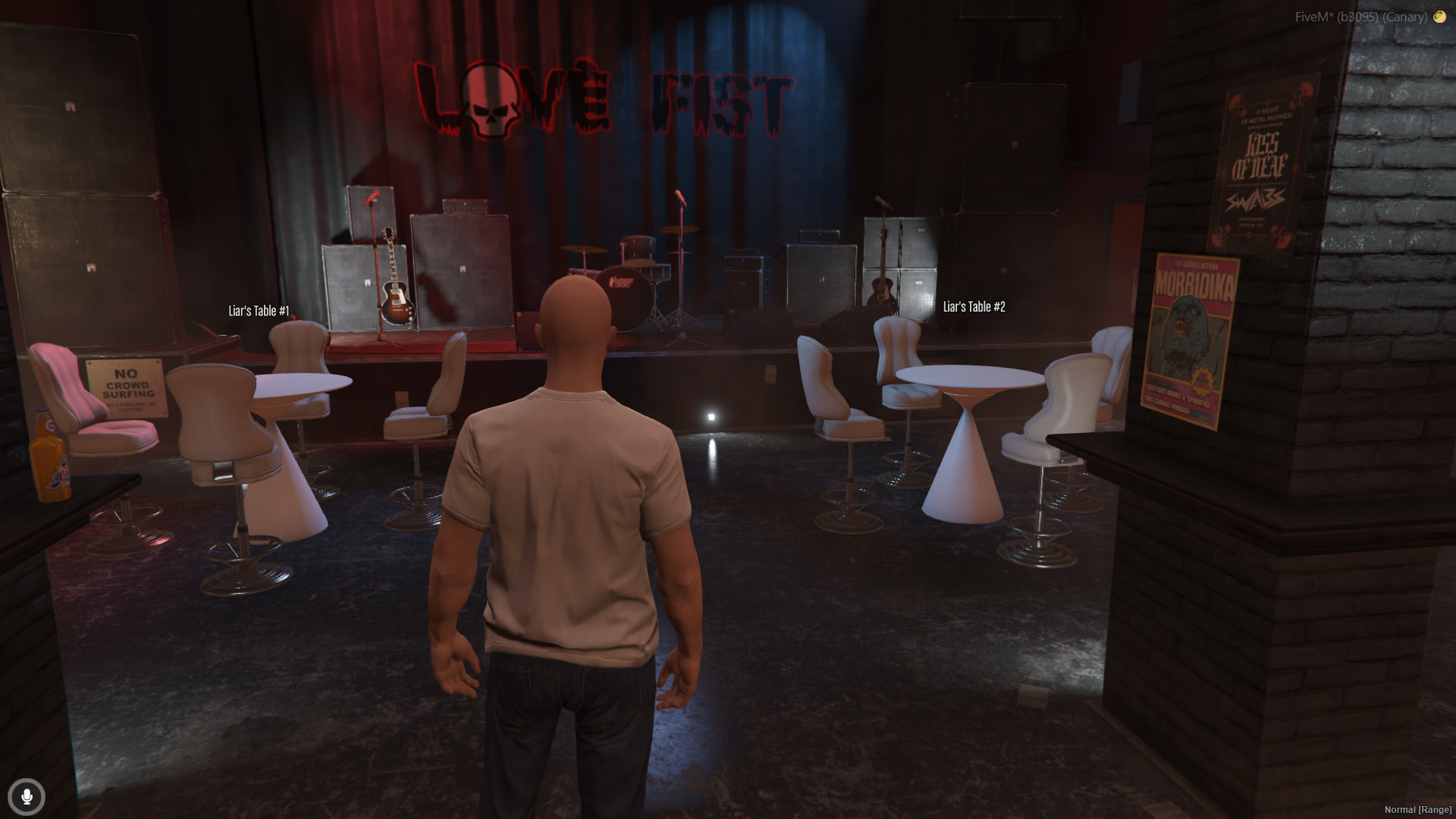
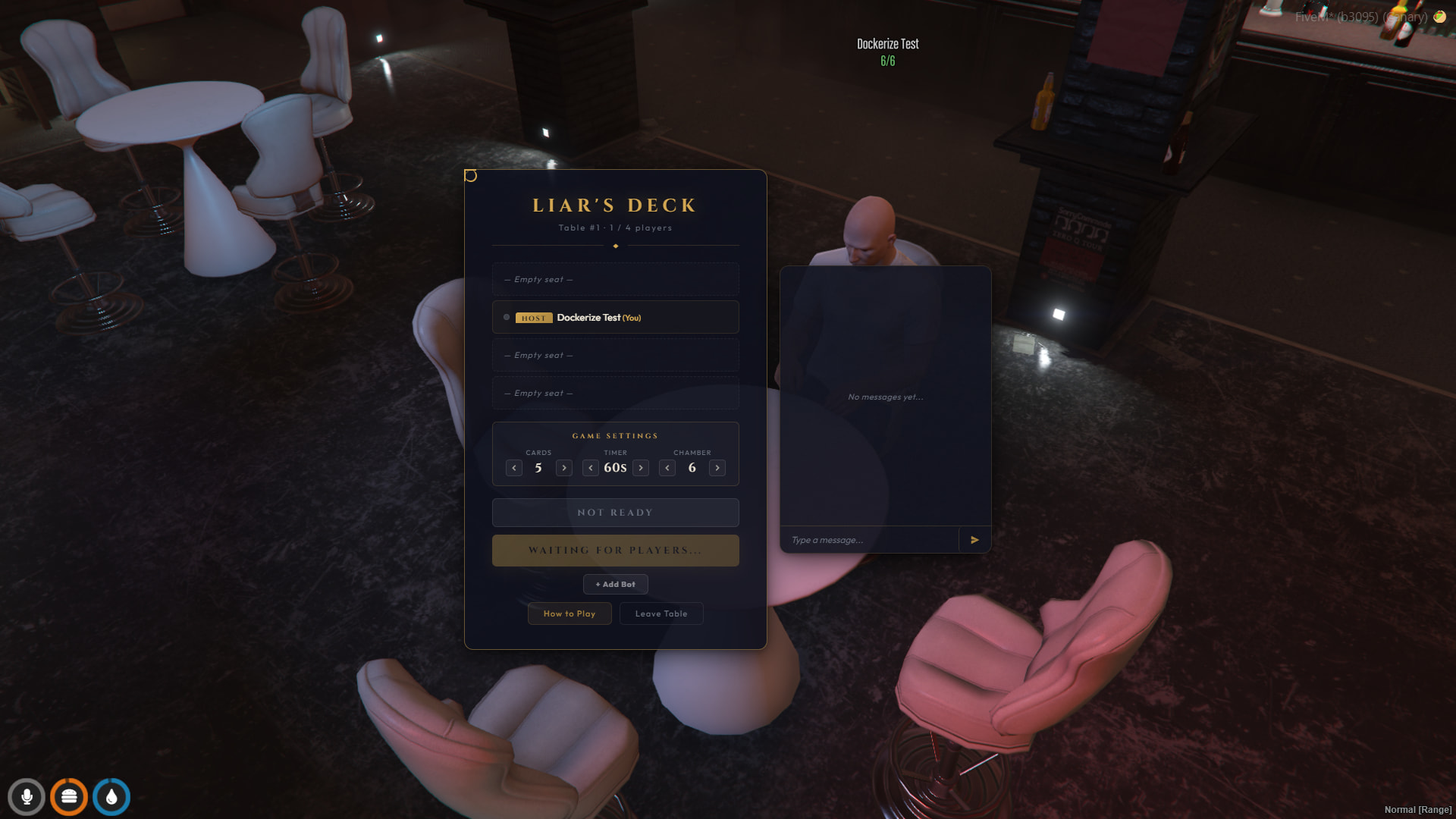
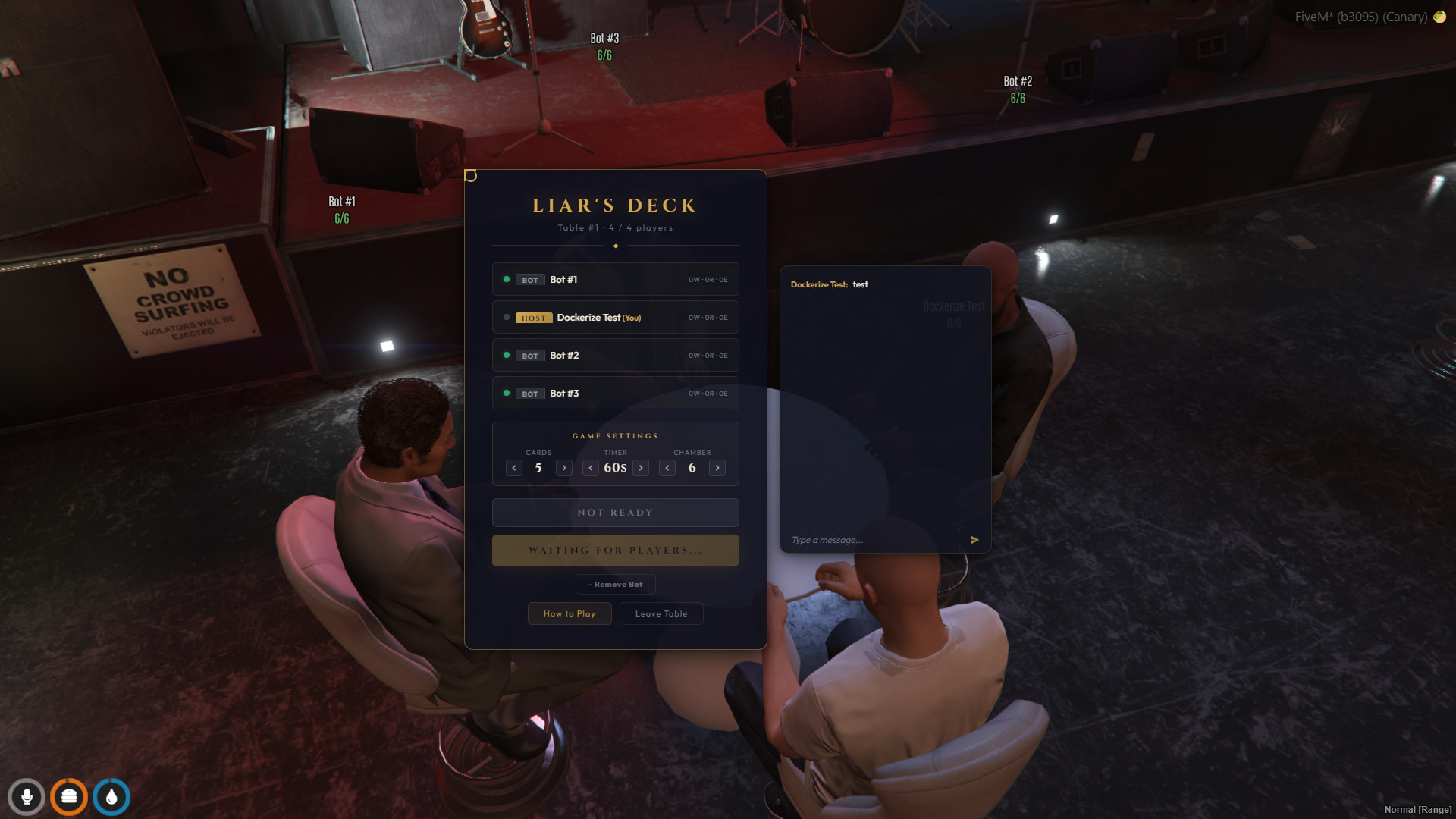
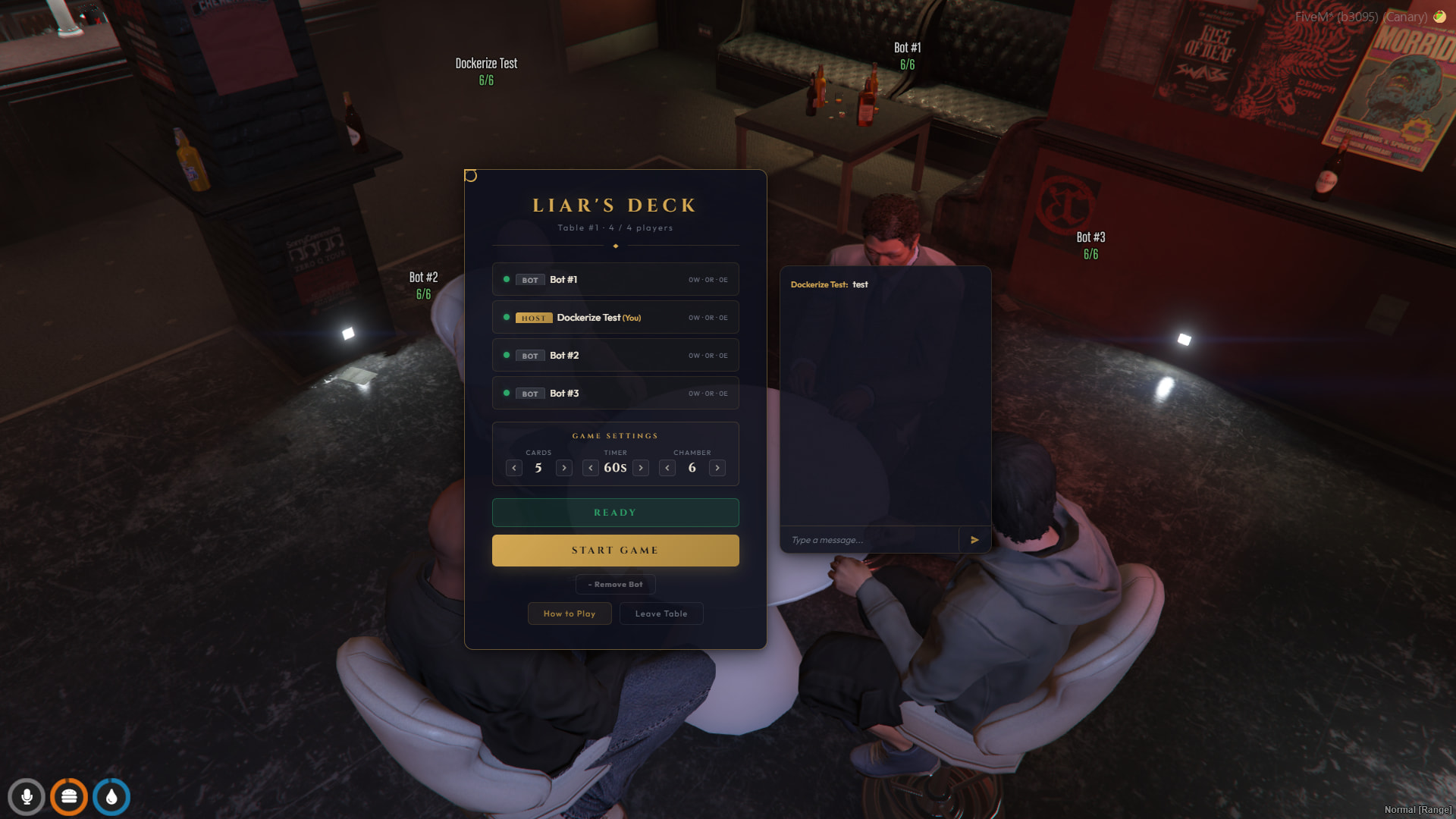
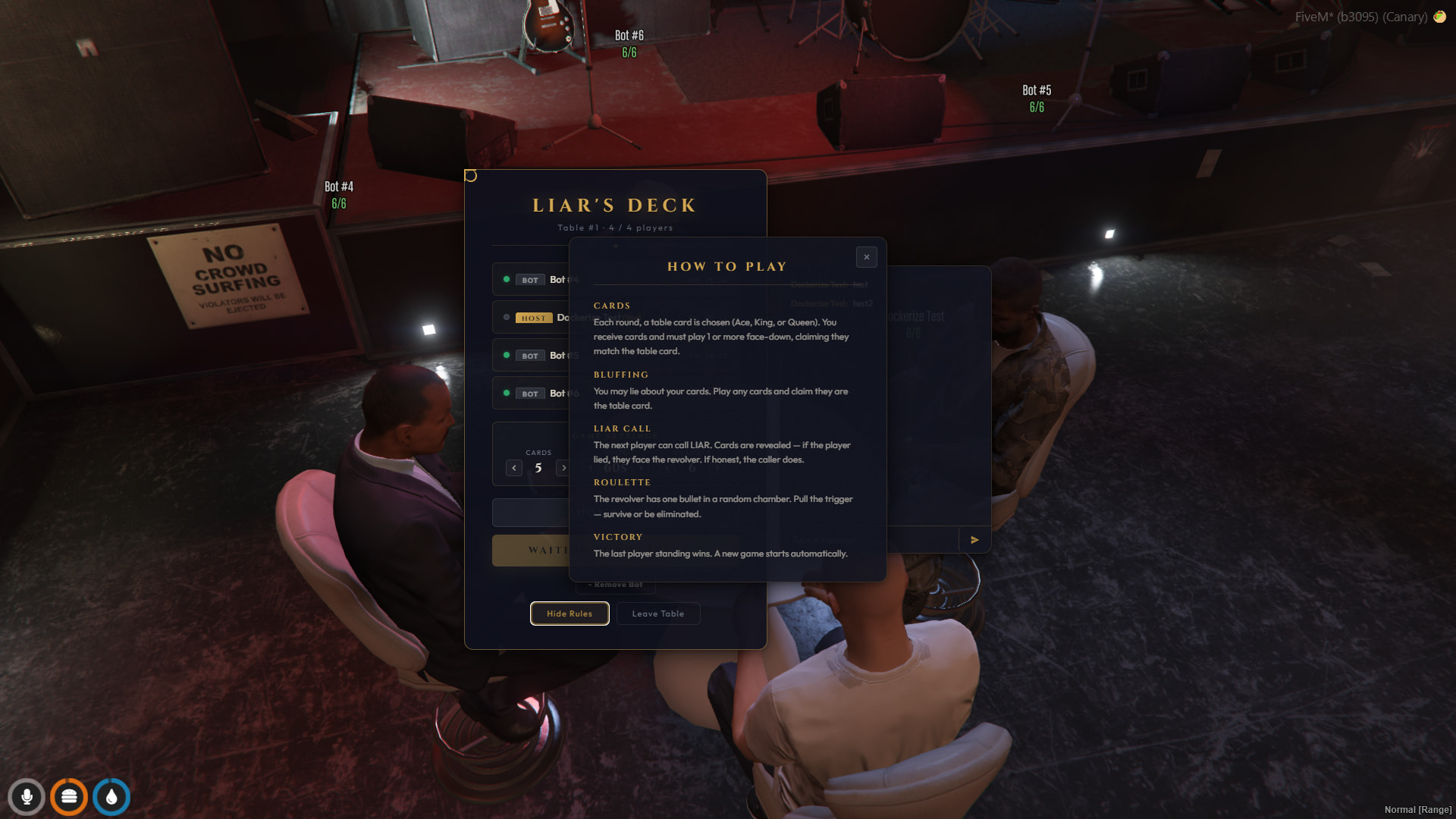
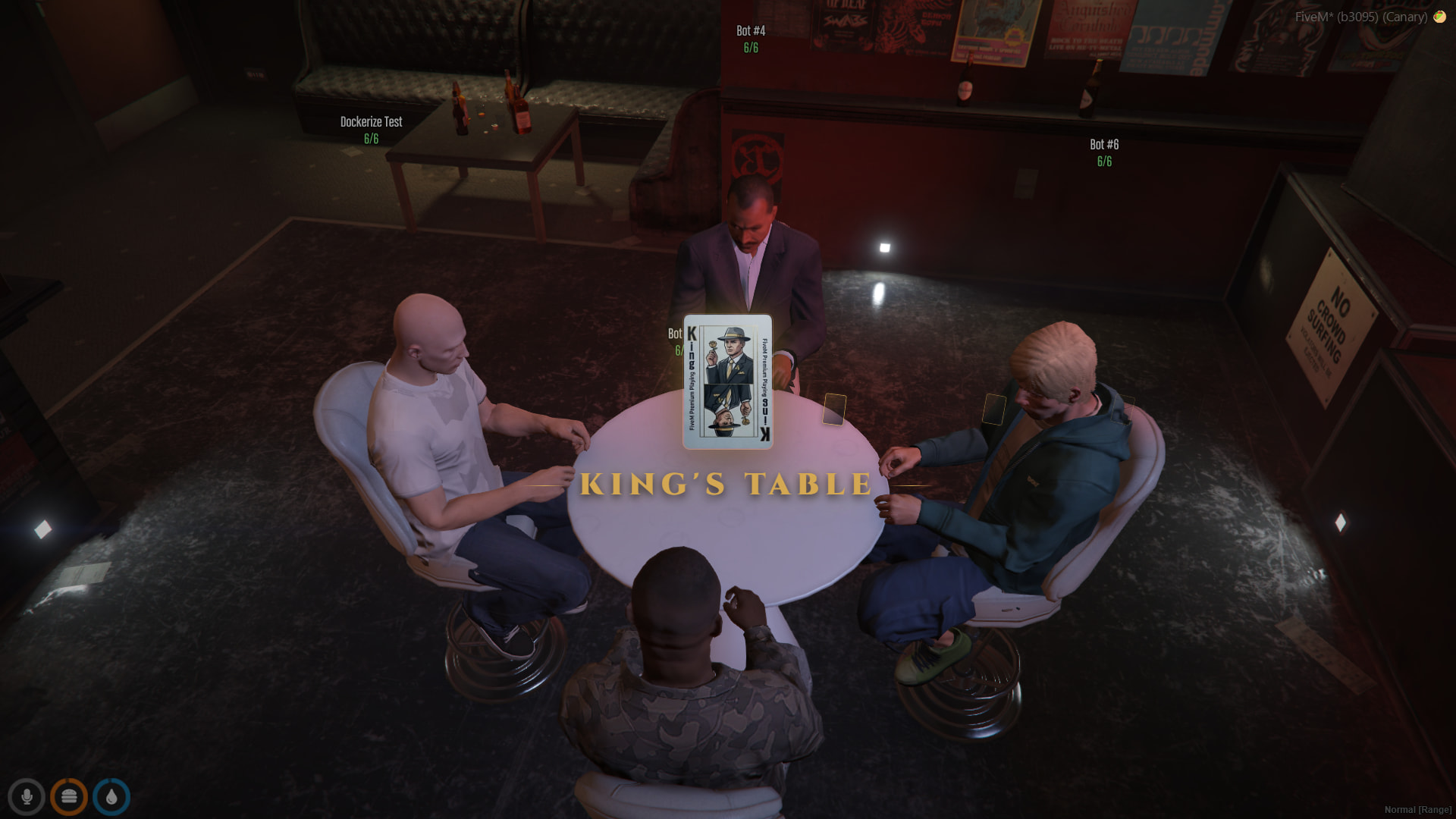

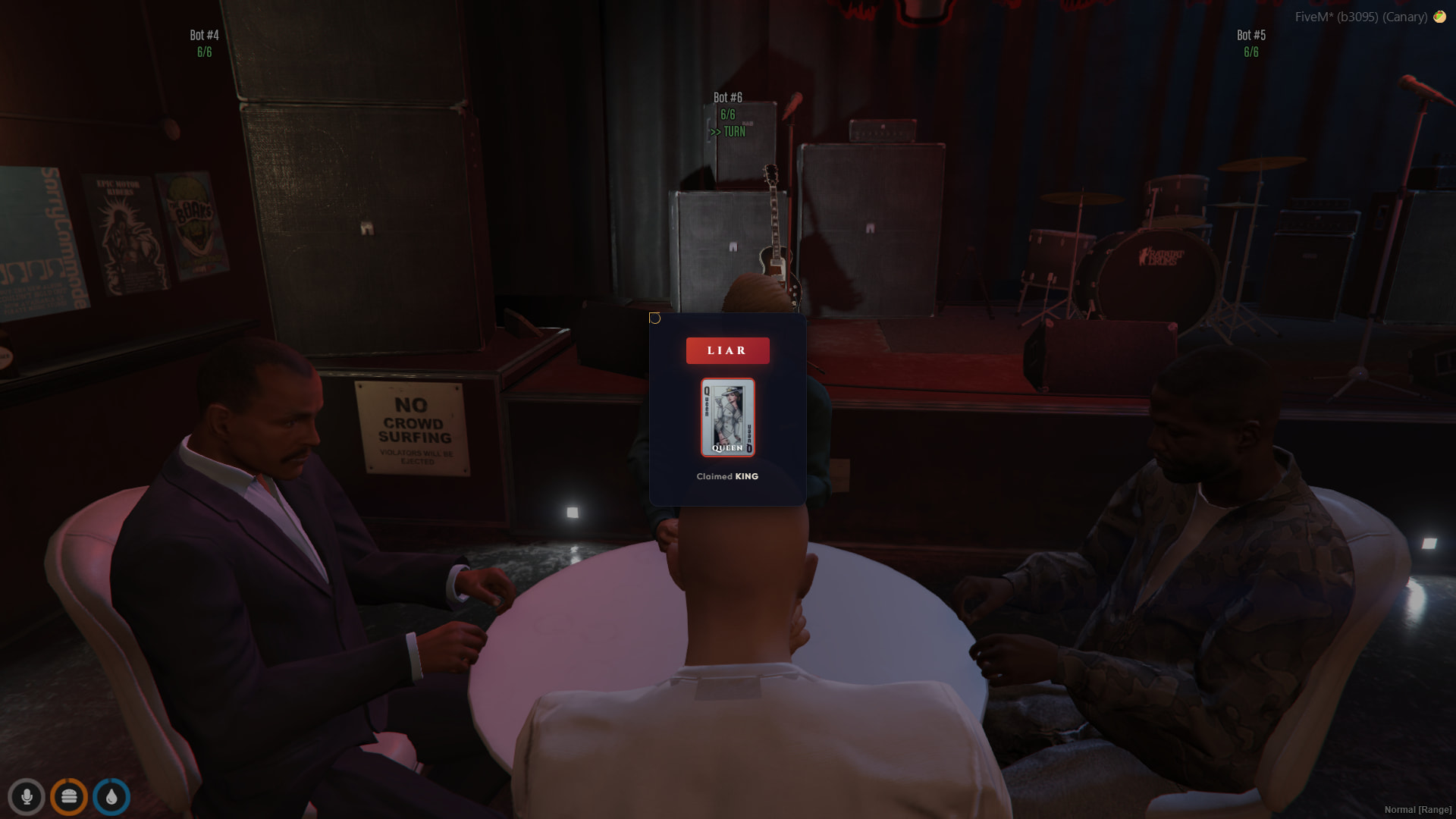

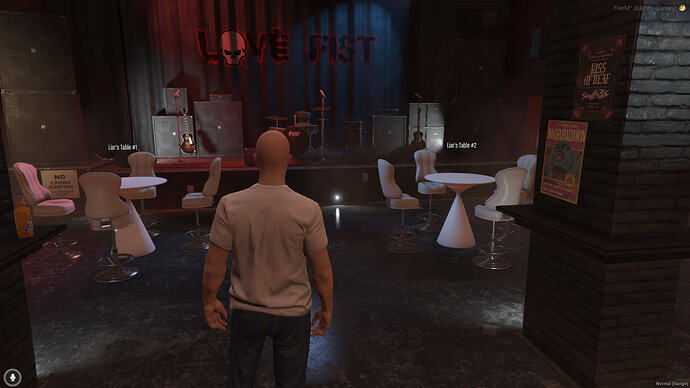
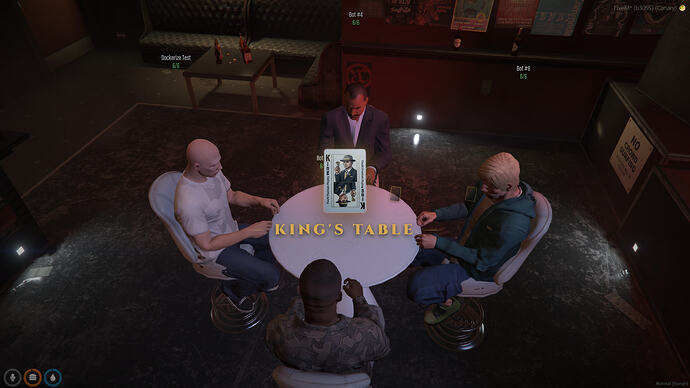
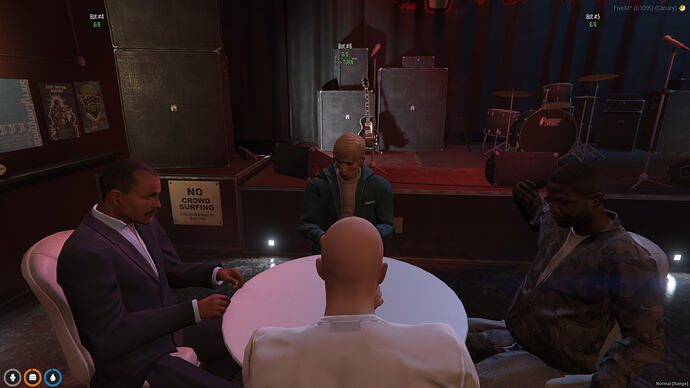
You walk up to a table, press E, sit down, and you’re in. No menus, no commands — just sit and play.
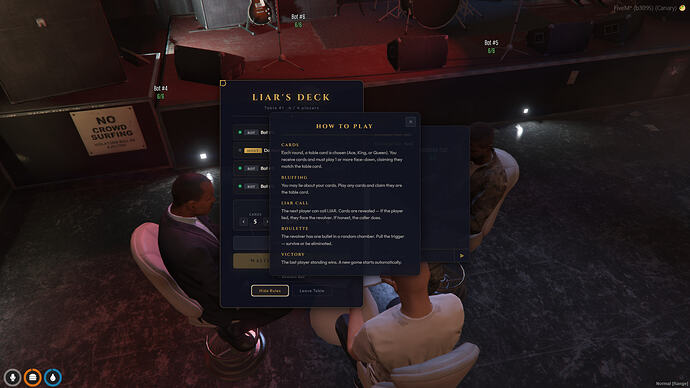
Each round, a table card is chosen (Ace, King, or Queen)
Play cards face-down and claim they match the table card — you can lie
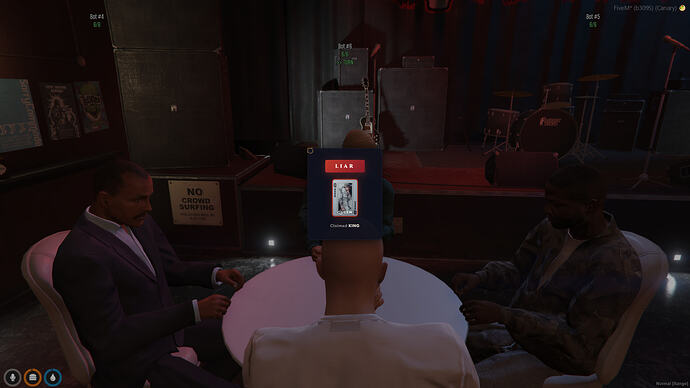
Next player can call LIAR — cards are revealed. If you lied, you face the revolver. If you were honest, the caller does
Pull the trigger — survive or get eliminated
Last player standing wins
Games flow naturally. New rounds start automatically. Players can hop in and out between games.
A complete multiplayer card game, not a minigame framework you need to build on top of.
Gameplay:
2-4 players per table with real-time bluffing
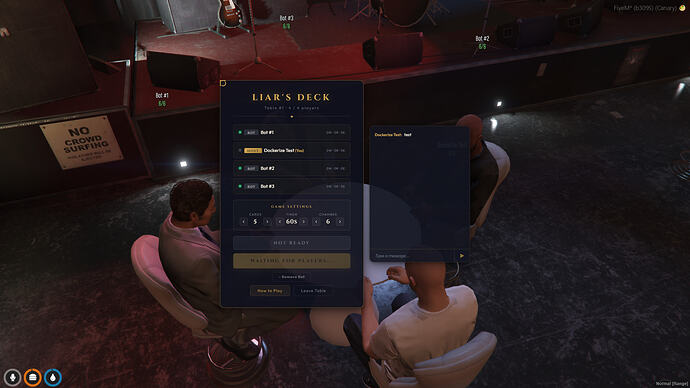
Smart bot AI that bluffs, calls liars, and plays strategically — fills empty seats so you can play solo or with friends
Russian Roulette with cinematic gun animations, blood effects, and tension
Sit/stand, card throw, table slam, gun raise, and death animations — all synchronized
Lobby system:
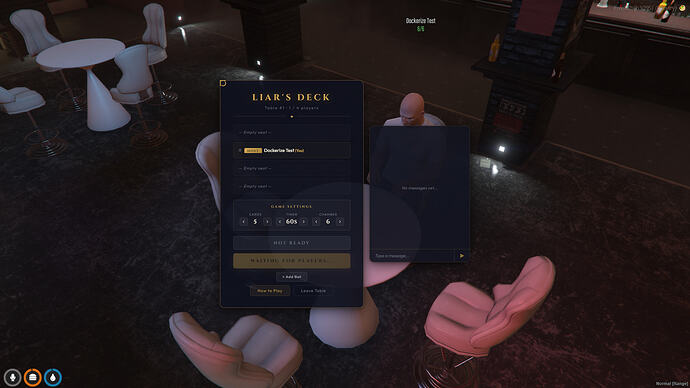
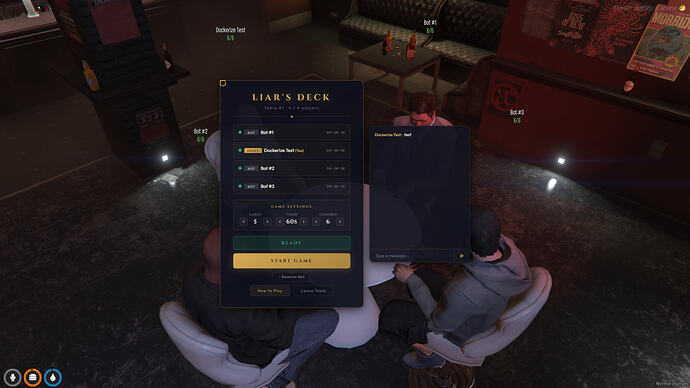
 Ready system — players toggle ready, bots auto-ready, host starts when everyone’s set
 Live chat — talk with other players while waiting
 Host game settings — adjust cards per hand (3/4/5), turn timer (30s/45s/60s/90s), and chamber size (4/5/6) from the lobby
 Session statistics — wins, rounds, eliminations tracked per player
 How to Play panel — built-in rules for new players
Camera system:
Multiple camera presets with smooth transitions
Auto-follow active player during gameplay
Orbit camera in lobby
Manual camera control with arrow keys
Reset to your seat with R
UI:
Art Deco noir casino theme — Cinzel + Outfit fonts, champagne gold accents, geometric borders, film grain texture
React + Vite NUI — fast, modern, optimized
Transparent HUD overlay — GTA world always visible behind UI
Personal chamber status HUD (bottom-left) — see your revolver state at any camera angle
Configurable HUD positions via config.lua — no conflicts with your existing HUD
Everything is in one config.lua:
Table locations — add as many tables as you want, anywhere on the map
Game rules — cards per hand, turn timer, chamber size, deck composition
Bot settings — models, names, liar chance, turn delay, max cards per play
Camera presets — overhead, per-seat, orbit speed, FOV
HUD positions — move players panel, controls panel, status panel to avoid overlap
Custom notifications — Config.Notify function, plug in any notification system
Single area blip — one blip for all your tables, configurable position and icon
Full localization — every string is translatable
 Optimized — cached DrawText3D, async server operations, no blocking waits, rate-limited chat, text caching for name tags
 Server-authoritative — all game logic on the server, no client-side cheating
 No database — all game state in-memory, zero SQL queries
 No dependencies — just the framework (QBCore or ESX)
Blood effects cleaned up when leaving the table
Walk-to-chair cancellable with ESC
Anti-spam on chat and bot actions
Proper disconnect cleanup — no ghost seats
Drop feron_liarsDeck into your resources folder
ensure feron_liarsDeck in server.cfg
Edit config.lua — set your table coordinates
Restart server
Walk to a table, press E, play
 Available in 4 versions — pick your framework and preference:
QBCore (also works with QBox):
ESX:
Open source versions include full Lua source code + React/SCSS source (web/src) — modify anything, rebuild with npm run build.
Discord: Feron Scripts
Feron Loading Screen Creator — Drag & Drop Editor for FiveM
 More scripts coming soon — join our Discord to stay updated.
| Code is accessible | Escrowed & Open Source versions available |
| Subscription-based | No |
| Lines (approximately) | ~5500+ |
| Requirements | Qbcore or Esx |
| Support | Yes |
See what others are saying about this script.
Share your experience and help others.